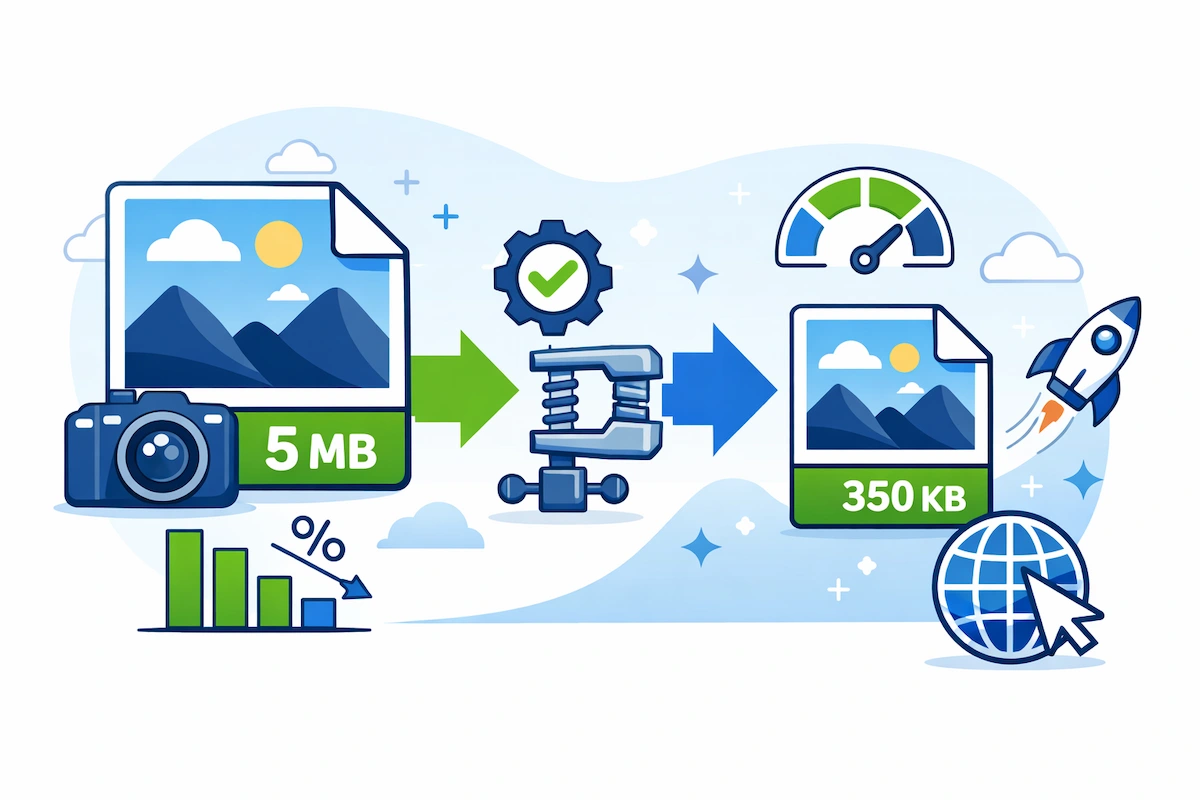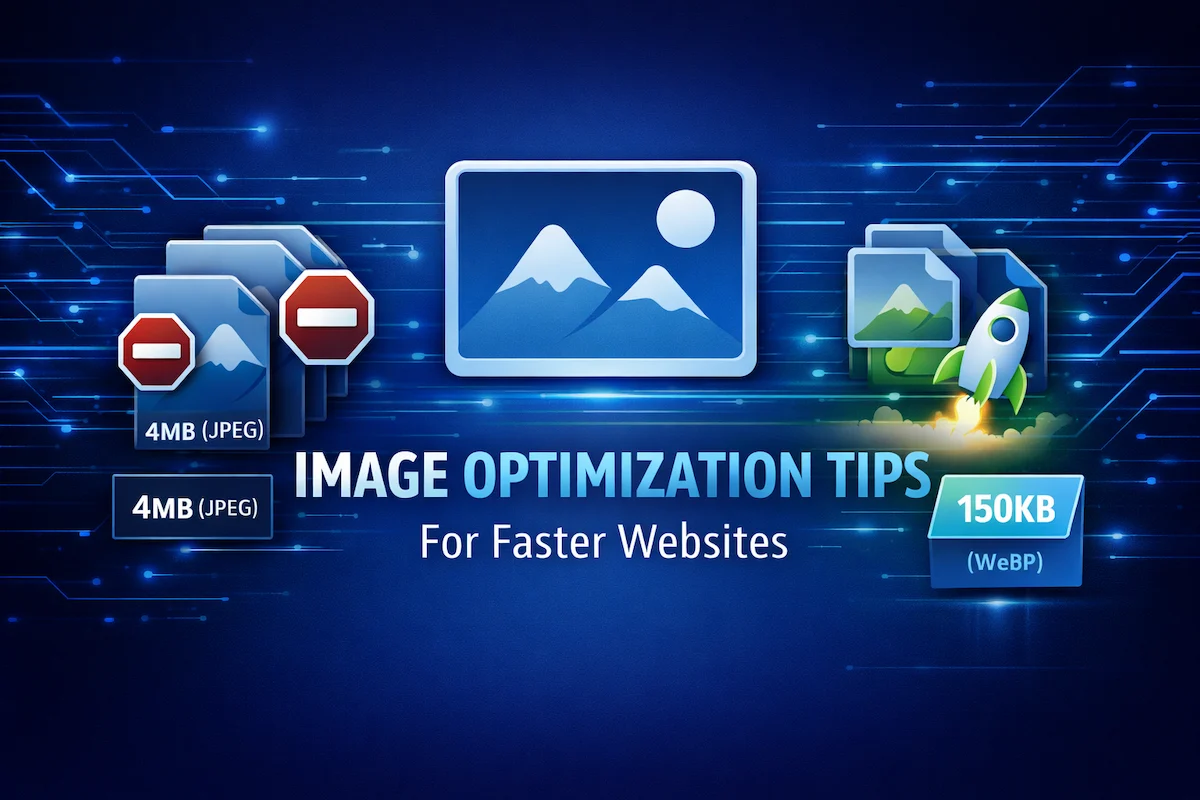
In the competitive world of web development and blogging, every millisecond counts. When a user lands on MasterWebTool, they expect a lightning-fast experience. Research shows that images make up over 60% of a typical webpage’s total weight. This means if you aren’t optimizing your visuals, you are intentionally slowing down your success.
In this guide, we will share the most effective image optimization tips to help you achieve a faster website, better SEO rankings, and a superior user experience.
1. Choose the Right Image Format
The first step in optimization is selecting the correct file extension. Not all formats are created equal:
- WebP: The modern gold standard. It provides superior compression and quality compared to JPEG and PNG.
- JPEG: Best for complex photographs where small file size is more important than pixel perfection.
- PNG: Use this only for images that require transparency or have simple text/graphics.
- SVG: Ideal for logos and icons as they are infinitely scalable and extremely lightweight.
2. Resize Before You Upload
A common mistake is uploading a 4000px wide image when your blog’s display width is only 800px. Even if the image looks small on the screen, the browser still has to download the full-sized file.
- Tip: Always crop and resize your images to the exact dimensions needed for your layout. This can save megabytes of unnecessary data transfer.
3. Implement Lazy Loading
Lazy loading is a technique that tells the browser to only load images as the user scrolls down to them. This significantly improves the initial “Above the Fold” loading speed.
- MasterWebTool Tip: Most modern browsers and WordPress versions support native lazy loading by simply adding the
loading="lazy"attribute to your image tags.
4. Leverage Browser Caching
Browser caching stores website images in the user’s local browser files. When they visit your site again (or go to another page), the images load instantly from their own computer instead of downloading from your server again.
5. Use Responsive Images (Srcset)
Different devices have different screen sizes. A mobile user doesn’t need the same high-resolution image as a desktop user. By using the srcset attribute, you can serve smaller versions of your images to mobile users, saving them data and time.
6. Optimize Alt Text for SEO and Accessibility
Image optimization isn’t just about speed; it’s also about search engine understanding.
- Accessibility: Alt text helps visually impaired users understand your content.
- Google Ranking: Including relevant keywords in your Alt text helps Google index your images for “Image Search” traffic.
7. Use a Content Delivery Network (CDN)
A CDN stores copies of your images on a global network of servers. When a user visits MasterWebTool, the images are served from the server closest to their physical location, reducing latency and boosting speed.
8. Strip Image Metadata
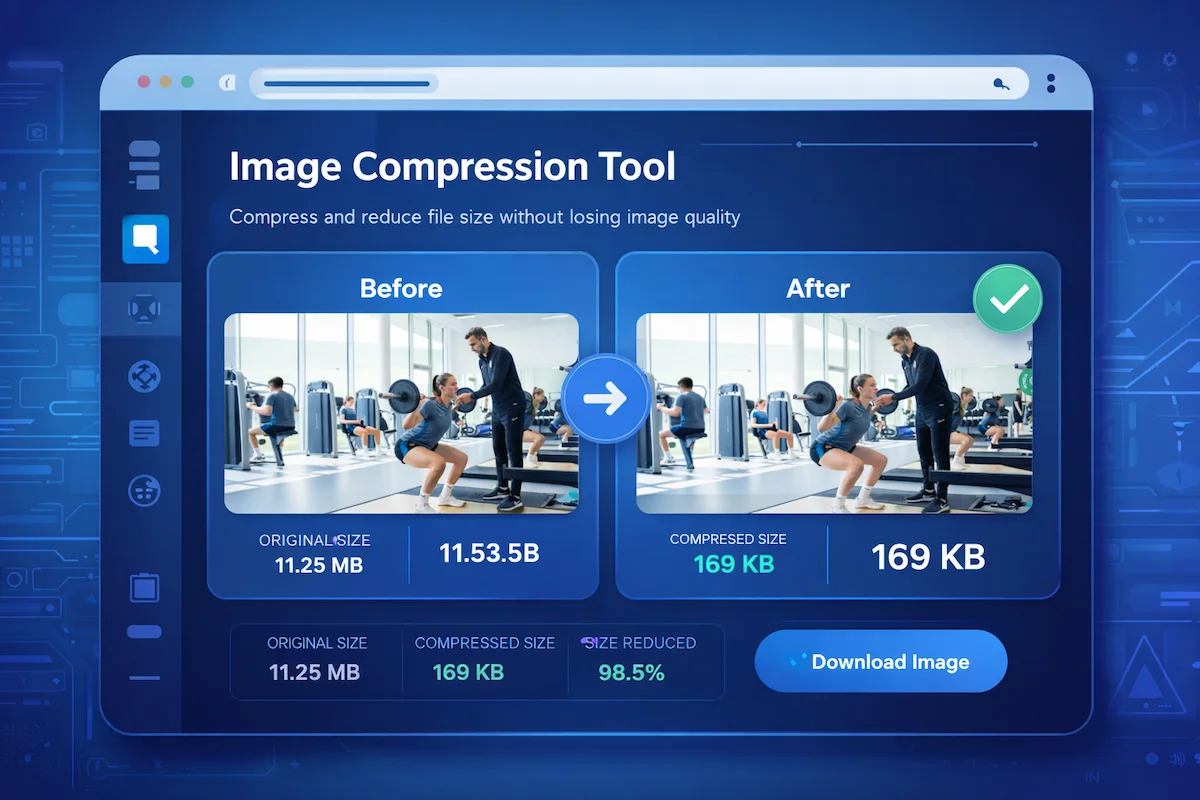
Digital cameras and smartphones embed hidden data (EXIF data) in images, such as GPS location, camera model, and date. While useful for photographers, this data adds extra weight to your files. Removing this metadata during compression is an easy way to shave off a few more kilobytes.
Conclusion
Optimizing your images is one of the easiest and most effective ways to boost your website’s performance. By following these image optimization tips, you ensure that MasterWebTool remains a premium, fast-loading destination for all users.
Remember: A faster website leads to happier users and higher Google rankings.
Frequently Asked Questions (FAQs)
Q: Is WebP really better than JPEG? Yes, WebP images are typically 25% to 35% smaller than JPEGs at the same quality level, making them ideal for web performance.
Q: Does lazy loading hurt SEO? No, as long as it is implemented correctly, Google can still crawl your images. In fact, it helps SEO by improving your Core Web Vitals scores.
Q: How many images should I have on one page? There is no fixed limit, but every image adds weight. Use only high-quality, relevant images that add value to your content.