Introduction
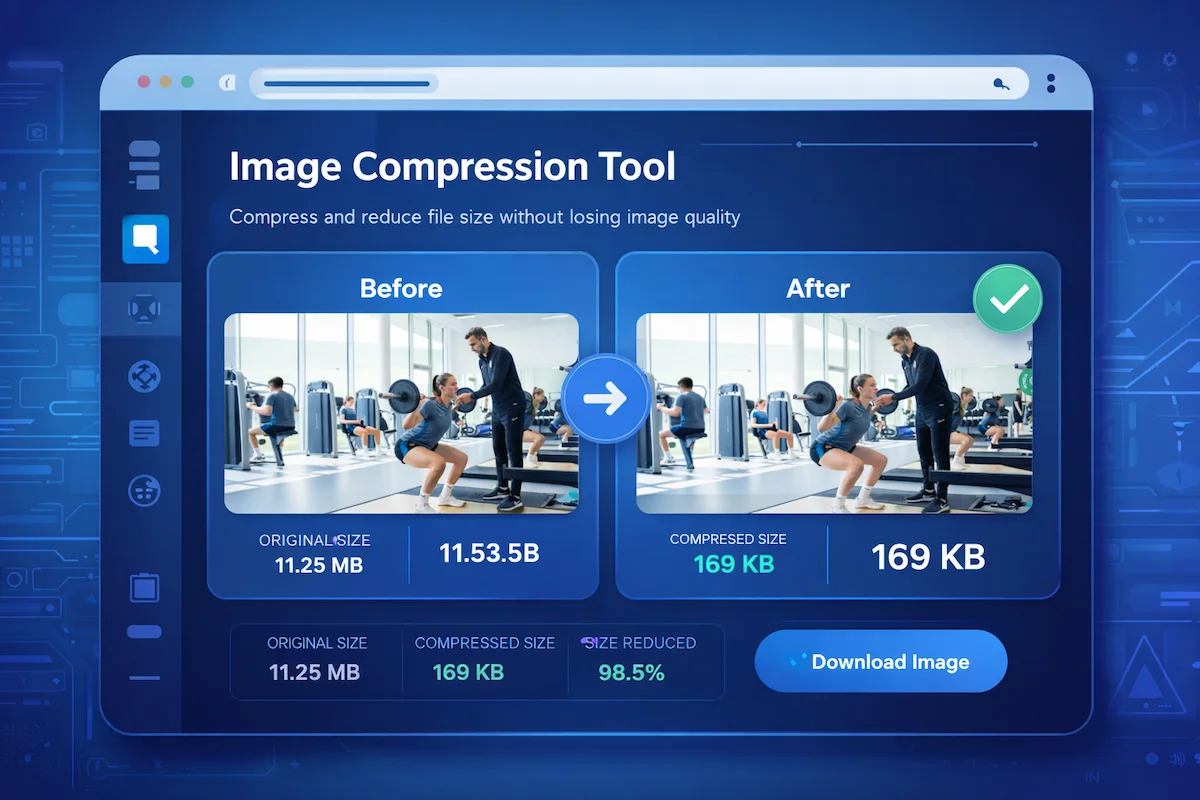
Image compression techniques play a crucial role in improving website performance and reducing file sizes without significantly affecting image quality. Understanding how these techniques work can help website owners, developers, and bloggers optimize images for faster loading speeds and better user experience.
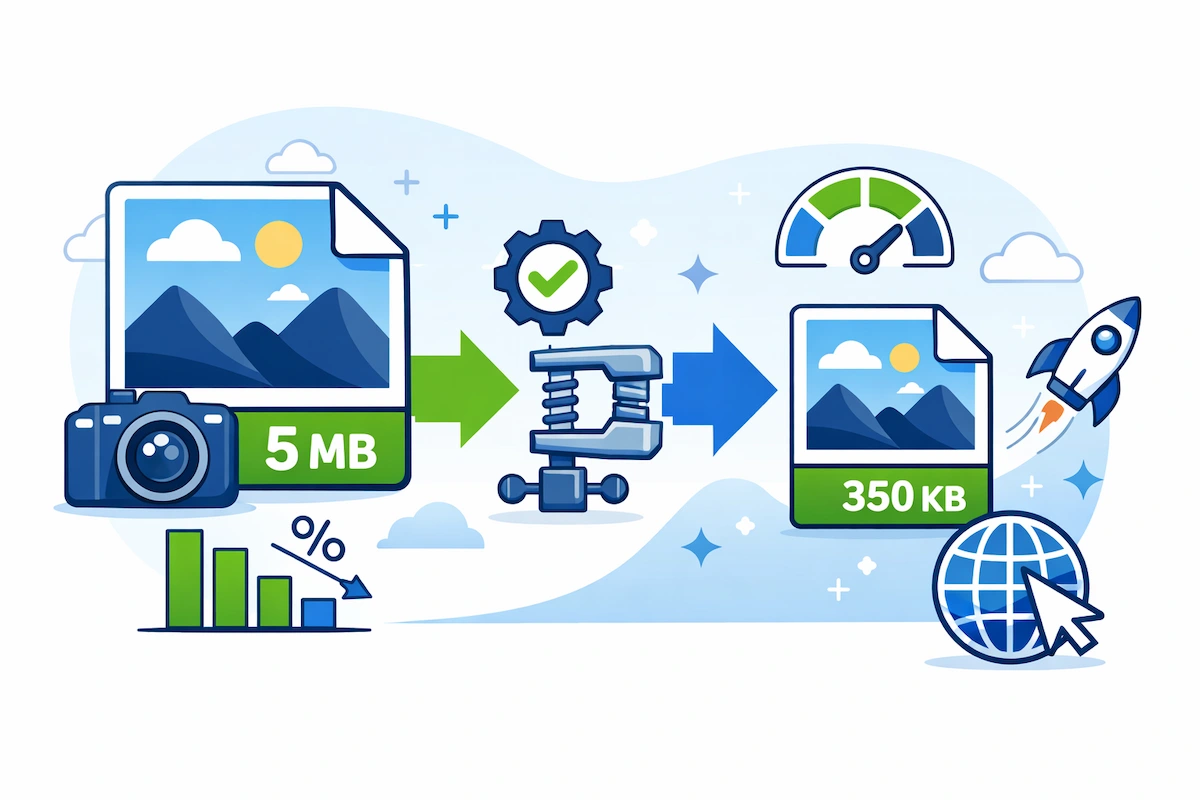
This is where image compression techniques play a crucial role. Image compression reduces the size of image files while maintaining acceptable visual quality. Properly compressed images improve website speed, reduce bandwidth usage, and help boost search engine rankings.
For website owners, bloggers, and digital marketers, understanding how image compression works can make a significant difference in overall site performance.
If you are looking for practical ways to compress images without affecting quality, you can explore the complete guide on [How to Compress Images Online Without Losing Quality (Complete Guide)] which explains step-by-step methods and tools.
If you are looking for a quick way to reduce image size without affecting quality, you can try our online tool. Use the Image Compressor Tool to compress images instantly and improve website performance.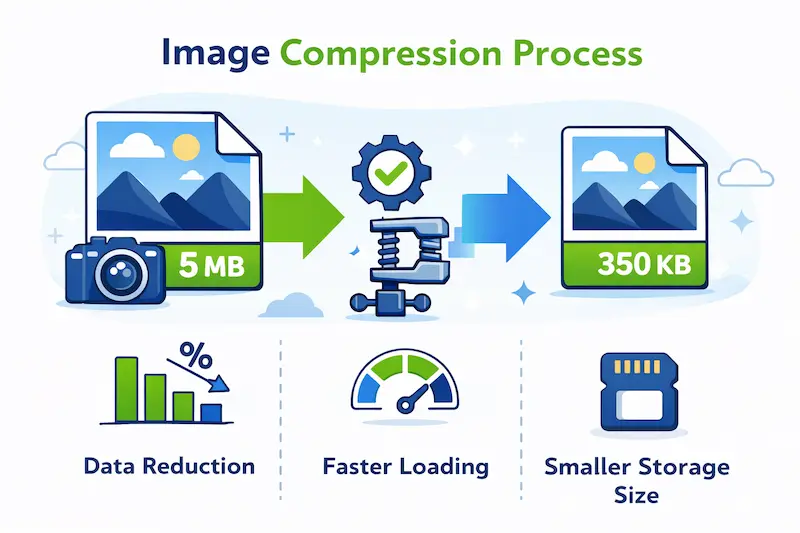
What Is Image Compression?
Image compression is the process of reducing the file size of an image by removing unnecessary or redundant data. The goal is to keep the image visually similar to the original while making the file smaller and easier to store or transfer.
A digital image is made up of thousands or even millions of tiny units called pixels. Each pixel stores information about color and brightness. When all this pixel data is stored together, the file size can become quite large.
By applying compression algorithms, this data is encoded more efficiently so the image occupies less storage space and loads faster on websites.
Highlighted Key Idea
Image compression helps websites load faster, improves SEO performance, reduces bandwidth usage, and enhances the overall user experience.
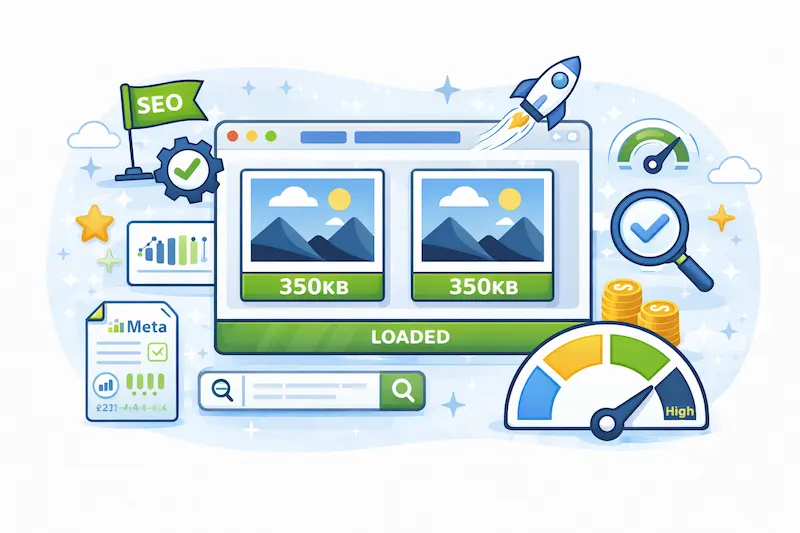
Website speed has become an important ranking factor for search engines. Large, unoptimized images can slow down a website significantly, which may increase bounce rates and reduce engagement.
If you want to learn practical ways to optimize your images for better performance, check out the detailed pillar guide on [How to Compress Images Online Without Losing Quality (Complete Guide)] where you can find tools and methods used by professionals.
Why Image Compression Is Important for Websites
Many website owners underestimate how much images affect website performance. In many cases, images make up more than half of a webpage’s total size.
When images are not compressed properly, several problems can occur.
Faster Website Loading Speed
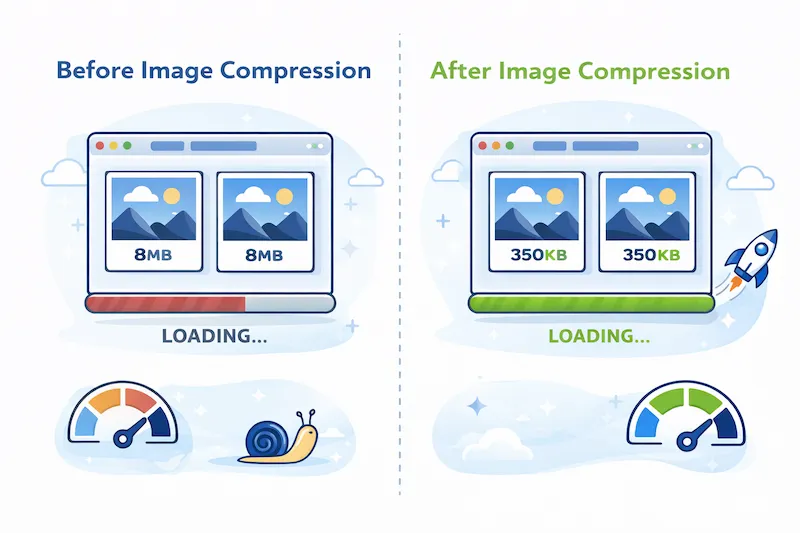
Large images increase page load time. Visitors expect websites to load quickly, and even a delay of a few seconds can cause users to leave the site.
Highlighted Insight
Compressed images reduce page size, allowing websites to load significantly faster.
Faster websites provide better user experience and are more likely to rank higher in search engine results.
Better SEO Performance
Search engines like Google consider page speed as an important ranking factor. Websites with optimized images tend to perform better in search rankings.
By reducing image sizes, web pages become lighter and easier for search engine crawlers to process.
Lower Bandwidth Consumption
Compressed images use less data when transferred across the internet. This is especially important for mobile users who may have limited data plans.
Optimizing images ensures that users can access content quickly without consuming excessive bandwidth.
Types of Image Compression
Image compression techniques are mainly divided into two categories:
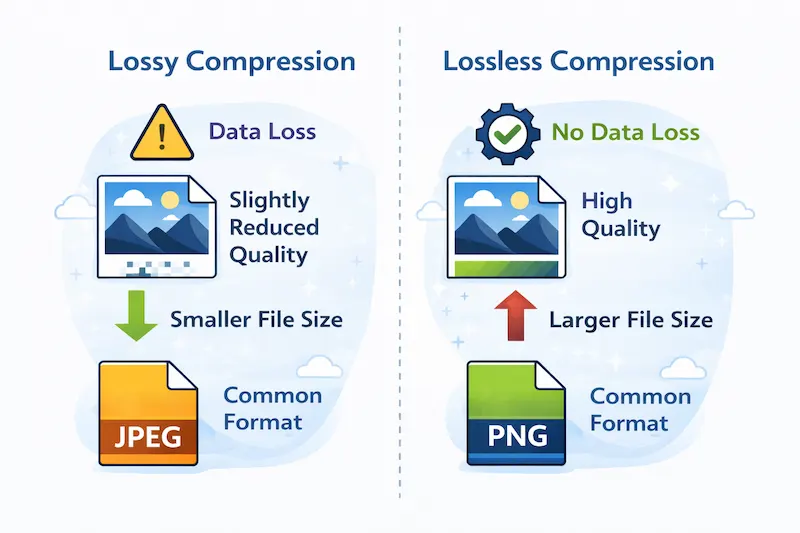
- Lossless Compression
- Lossy Compression
Each method has different advantages and is suitable for different types of images.
Lossless Image Compression
Lossless compression reduces the size of an image without removing any data from the original image. This means the image can be restored perfectly to its original form.
Instead of removing data, lossless compression reorganizes the image information in a more efficient way.
Highlighted Concept
Lossless compression preserves the exact original image quality.
This type of compression is commonly used when image accuracy is very important.
Common Lossless Image Formats
Some popular lossless image formats include:
- PNG (Portable Network Graphics)
- GIF (Graphics Interchange Format)
- TIFF (Tagged Image File Format)
These formats are widely used for graphics, logos, icons, and images that contain text or sharp edges.
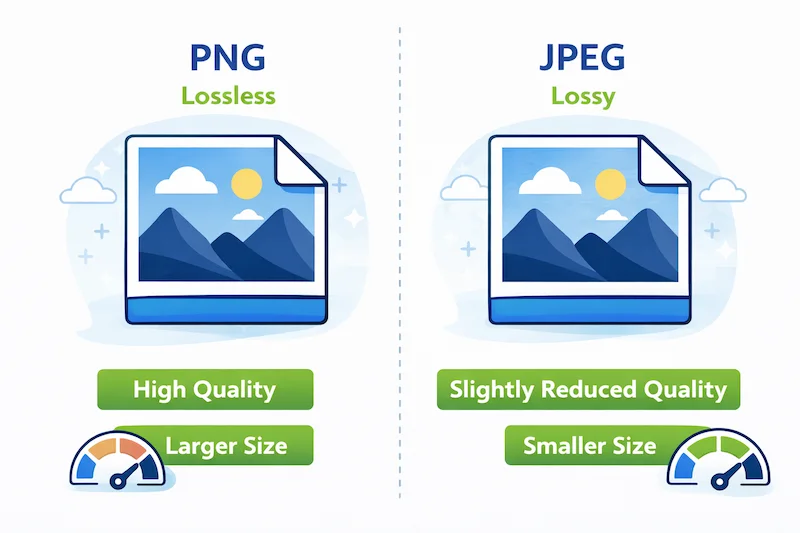
Lossy Image Compression
Lossy compression reduces file size by permanently removing certain parts of the image data that are less noticeable to the human eye.
Because some information is removed, the compressed image cannot be restored exactly to its original form. However, if compression is applied carefully, the difference in quality is usually very small.
Highlighted Concept
Lossy compression dramatically reduces file size while maintaining acceptable visual quality.
Common Lossy Image Formats
Common formats that use lossy compression include:
- JPEG (Joint Photographic Experts Group)
- WebP
- HEIF (High Efficiency Image Format)
These formats are ideal for photographs and images used on websites.
For example, a high-resolution photo that is 5 MB in size can often be reduced to less than 1 MB using JPEG compression.
If you want to learn how to compress these formats without damaging image quality, the pillar guide [How to Compress Images Online Without Losing Quality (Complete Guide)] provides detailed methods and tools that can help optimize images efficiently.
Lossy vs Lossless Compression (Quick Comparison)
| Feature | Lossless Compression | Lossy Compression |
|---|---|---|
| Data Loss | No data lost | Some data removed |
| Image Quality | Original quality preserved | Slight quality reduction |
| File Size | Larger | Much smaller |
| Best Use | Logos, graphics, icons | Photographs and web images |
Want to compress your images instantly?
You can easily reduce image file size without losing quality using our free online tool.
Use the Image Compressor Tool →Common Image Compression Techniques
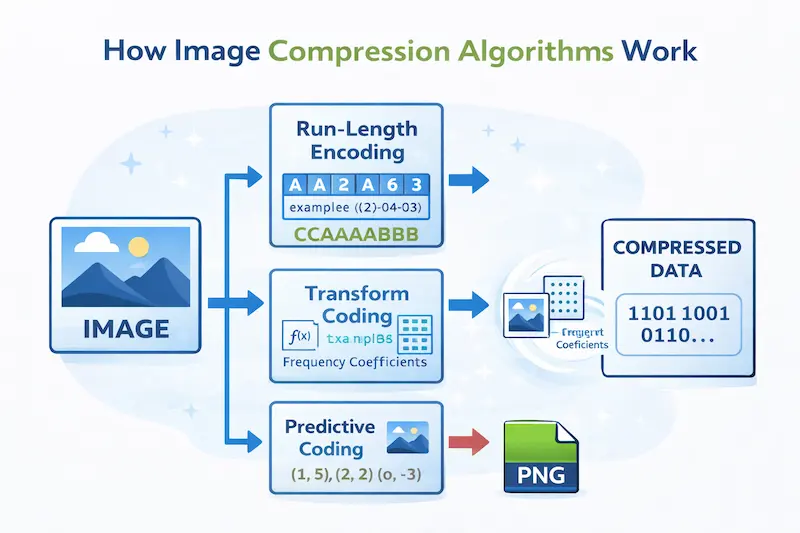
Several algorithms are used to compress images effectively.
Run-Length Encoding (RLE)
Run-Length Encoding compresses images by replacing repeated sequences of pixels with a shorter representation.
Example:
AAAAAA → 6A
This technique works best for images with large areas of the same color.
Transform Coding
Transform coding is used in JPEG compression and converts image data into frequency components using mathematical transformations.
The Discrete Cosine Transform (DCT) is commonly used to separate important image details from less noticeable information.
By removing unnecessary high-frequency details, the file size can be reduced significantly.
Predictive Coding
Predictive coding predicts pixel values based on neighboring pixels and stores only the difference between them.
Because neighboring pixels are often similar, this technique helps reduce redundant information efficiently.
Best Practices for Image Compression
To achieve the best balance between image quality and file size, follow these best practices.
Choose the Right Image Format
Different types of images require different formats.
- JPEG → Best for photographs
- PNG → Best for graphics and transparent images
- WebP → Best for modern web optimization
Resize Images Before Uploading
Uploading extremely large images can slow down websites. Always resize images to match the display dimensions of your website.
Use Modern Image Formats
New formats like WebP and AVIF provide better compression rates while maintaining high image quality.
Avoid Multiple Compression Cycles
Repeatedly compressing the same image can gradually reduce its quality. Always work with the original image whenever possible.
Highlighted Best Practice
Optimizing images before uploading them to a website is one of the easiest ways to improve site speed and SEO performance.
For a step-by-step walkthrough of tools and techniques used by professionals, refer to the pillar guide [How to Compress Images Online Without Losing Quality (Complete Guide)] where you can learn practical image optimization strategies.
Ready to compress your images?
Reduce image file size instantly while keeping the best possible quality.
Compress Images Now →Conclusion
Image compression is a crucial technique for improving website performance and delivering high-quality visual content efficiently. By reducing file sizes while maintaining acceptable image quality, compression helps websites load faster, consume less bandwidth, and perform better in search engine rankings.
Understanding the difference between lossless and lossy compression allows website owners and developers to choose the best format for different types of images.
When implemented correctly, image compression not only enhances user experience but also contributes significantly to better SEO results and overall website efficiency.
Frequently Asked Questions (FAQs)
1. What is image compression?
Image compression is the process of reducing the file size of an image while maintaining acceptable visual quality. It helps websites load faster, improves user experience, and boosts SEO performance.
2. Does compressing an image reduce its quality?
It depends on the compression method. Lossy compression slightly reduces image quality, while lossless compression reduces file size without losing image details.
3. Why is image compression important for websites?
Compressed images improve website loading speed, reduce bandwidth usage, and help improve search engine rankings because faster websites provide better user experience.
4. Which image format is best for web use?
JPEG is best for photographs, PNG is ideal for graphics and transparent images, and WebP provides excellent compression with high quality for modern websites.
5. How much can an image be compressed?
Images can usually be compressed by 50–80% depending on the format and compression method used, while still maintaining good visual quality.
6. What is the difference between lossy and lossless compression?
Lossy compression removes some image data to reduce file size, while lossless compression reduces size without removing any image information.
7. What image size is best for websites?
Most websites use images between 100 KB and 500 KB depending on resolution. Optimized images help pages load faster and improve SEO performance.
8. Can I compress images without losing quality?
Yes. Lossless compression techniques reduce file size without affecting visual quality. This is commonly used for PNG and GIF images.
9. Do compressed images improve SEO?
Yes. Smaller image sizes improve page speed, which is an important ranking factor for search engines like Google.
10. What is the best free image compression tool?
Online image compression tools allow you to quickly reduce image size without installing software. They are easy to use and work directly in your browser.
Related Tools
References
Google Developers – Image Optimization Documentation
Mozilla Developer Network – Image Compression Basics