In the modern digital landscape, website performance is no longer a luxury—it is a survival requirement. When a user visits MasterWebTool, their first impression is formed within milliseconds. If your website takes too long to load because of heavy, unoptimized images, you’ve already lost a potential customer.
This in-depth guide covers the massive benefits of image compression, how it impacts your SEO, and why it is the secret weapon for high-ranking websites.
1. Understanding Image Compression: Lossy vs. Lossless
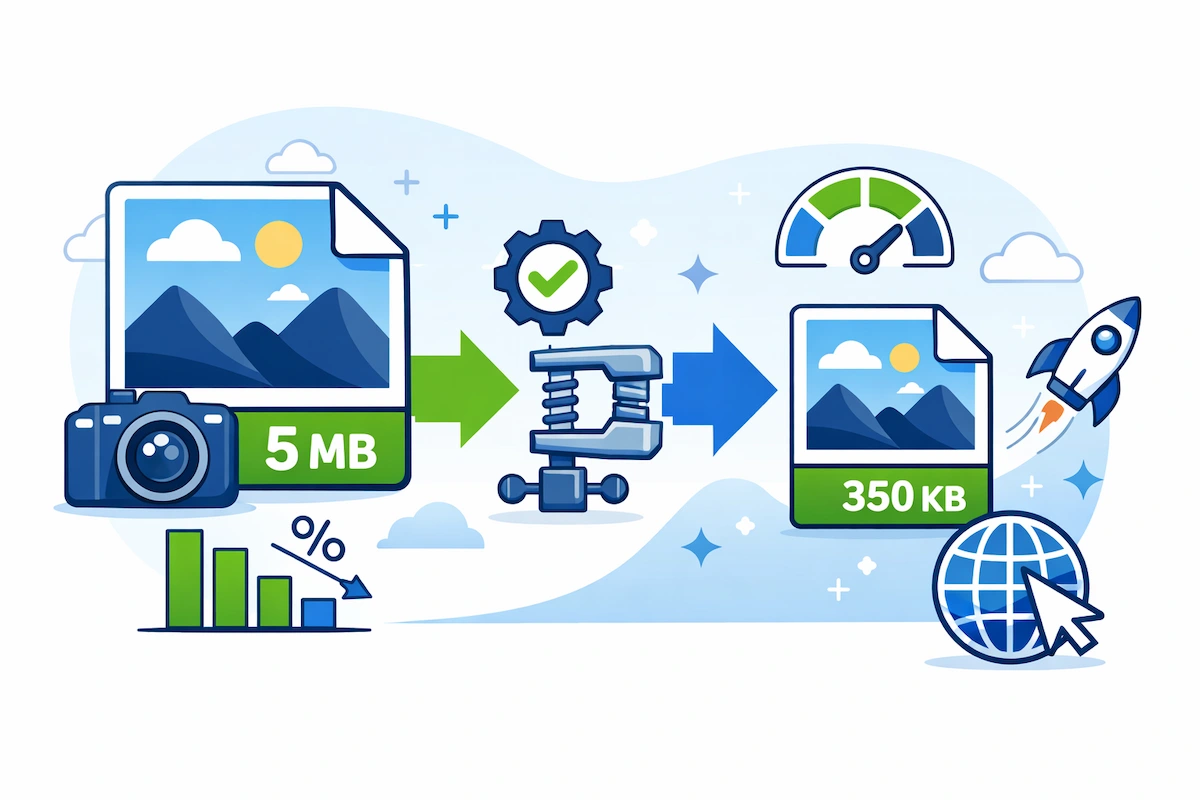
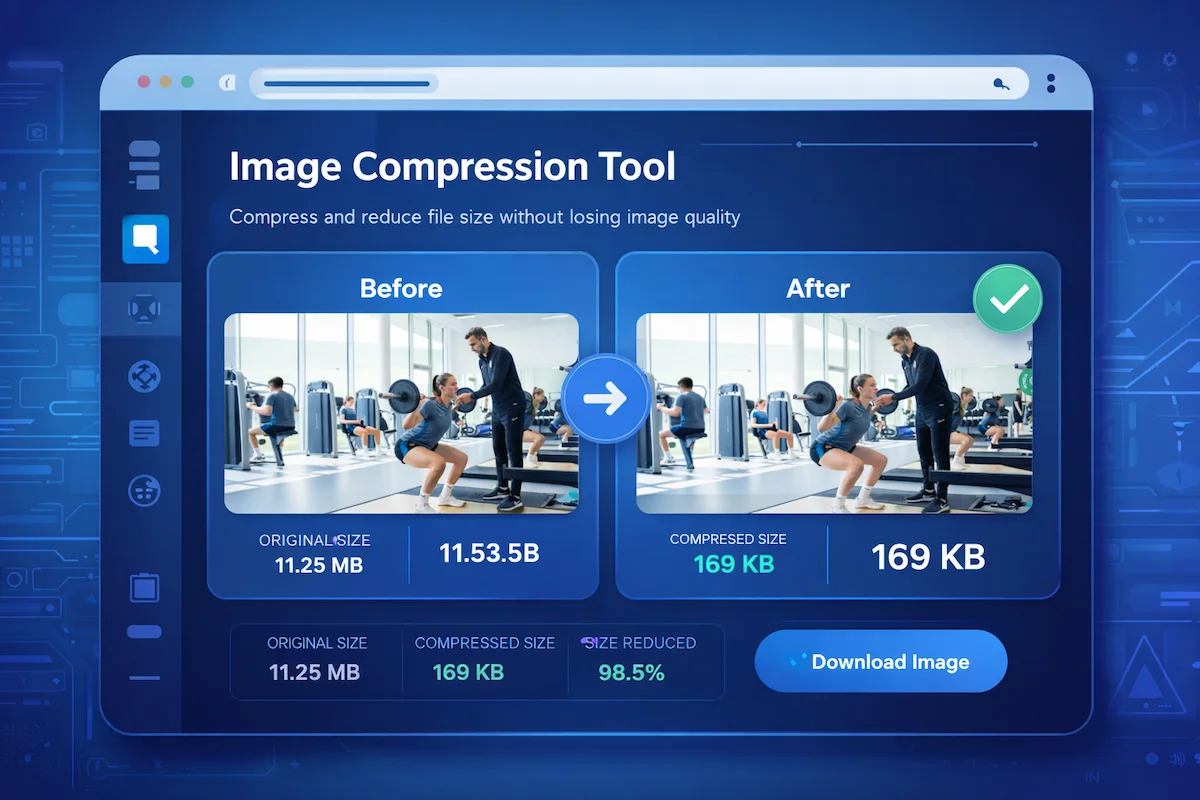
Before diving into the benefits, it’s important to understand what happens during compression. Image compression is the art of reducing file size while maintaining visual integrity.
- Lossy Compression: This method removes some data that the human eye cannot easily perceive. It results in a significant reduction in file size (up to 80%).
- Lossless Compression: This keeps every bit of data intact. The file size reduction is smaller, but the quality remains 100% identical to the original.
For tools and blogs on MasterWebTool, Lossy compression is usually the best choice for speed.
2. The Core SEO Benefits of Image Compression
Search Engine Optimization (SEO) is heavily dependent on technical performance. Google’s Core Web Vitals specifically measure how fast your page becomes interactive.
A. Improved Largest Contentful Paint (LCP)
LCP measures how long it takes for the largest element (usually a hero image) to load. Compressed images ensure your LCP score stays in the “Green” zone, giving you a direct ranking boost.
B. Higher Rankings in Image Search
Optimized images that load fast are indexed better by Google Images. By using proper optimization strategies, you can drive thousands of users to your site just through image search results.
3. Enhancing User Experience (UX) and Reducing Bounce Rate
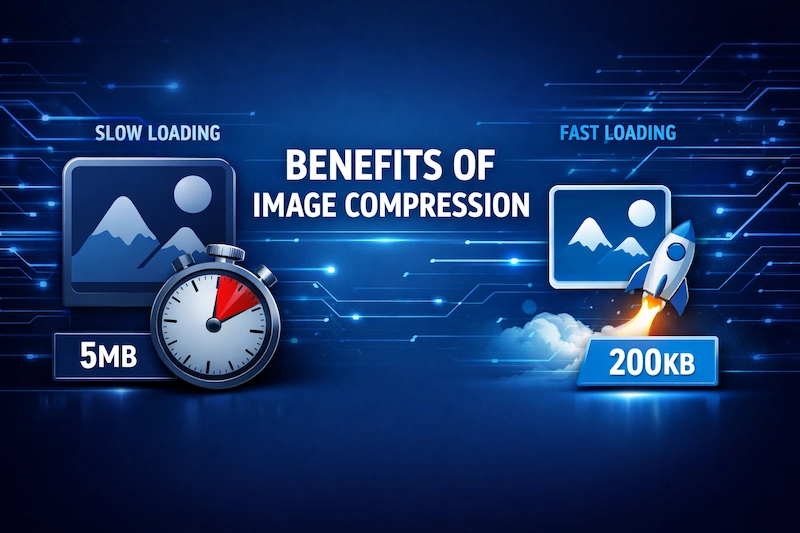
A “Bounce” happens when a user leaves your site after viewing only one page. High-resolution, uncompressed images are the #1 cause of high bounce rates.
- Engagement: Users stay longer on sites that feel “snappy.”
- Trust: A fast-loading site looks more professional and secure.
4. Mobile Optimization: The Data Saver
More than 65% of global traffic is mobile. Mobile users often have limited data plans and inconsistent signal strengths.
- Bandwidth Efficiency: Compressed images save users’ mobile data.
- Thermal Performance: Loading heavy assets makes mobile processors work harder, draining the battery. Lightweight sites are “eco-friendly.”
5. Server Side Benefits: Cost and Efficiency
If you are running a growing platform like MasterWebTool, server resources are valuable.
- Reduced Bandwidth Costs: Less data transferred means lower monthly hosting bills.
- Faster Backups: Small images mean your daily website backups take minutes instead of hours.
- CDN Efficiency: Content Delivery Networks (CDNs) can serve smaller files much more reliably.
6. The Role of Modern Formats: WebP and AVIF
Using standard JPEGs is often considered outdated when compared to modern alternatives:
- WebP: Offers 25-34% smaller file sizes than JPEG at equivalent quality.
- AVIF: The next-gen format that provides even better color depth and compression.
7. Summary Checklist for Image Optimization
To ensure your website stays at the top of its game, follow this checklist:
- [ ] Compress every image before uploading.
- [ ] Use responsive images for different screen sizes.
- [ ] Enable Lazy Loading so images only load when scrolled into view.
- [ ] Use descriptive Alt-Text for every image for accessibility and SEO.
Conclusion
The benefits of image compression extend far beyond just saving space. It is a vital component of SEO, user retention, and server management. By prioritizing image optimization, you are investing in the long-term success of MasterWebTool.
Fast websites win, and slow websites vanish. Which one will you be?
Frequently Asked Questions (FAQs)
Q: Does image compression reduce quality? With modern lossy algorithms, the reduction in quality is invisible to the human eye, but the reduction in file size is massive.
Q: Should I use a plugin or an online tool? For maximum control and the best quality-to-size ratio, using a dedicated tool like the ones discussed in our Technology Insights section is recommended.
Q: How do I check if my images are too heavy? Use Google PageSpeed Insights. It will flag exactly which images are slowing down your website.