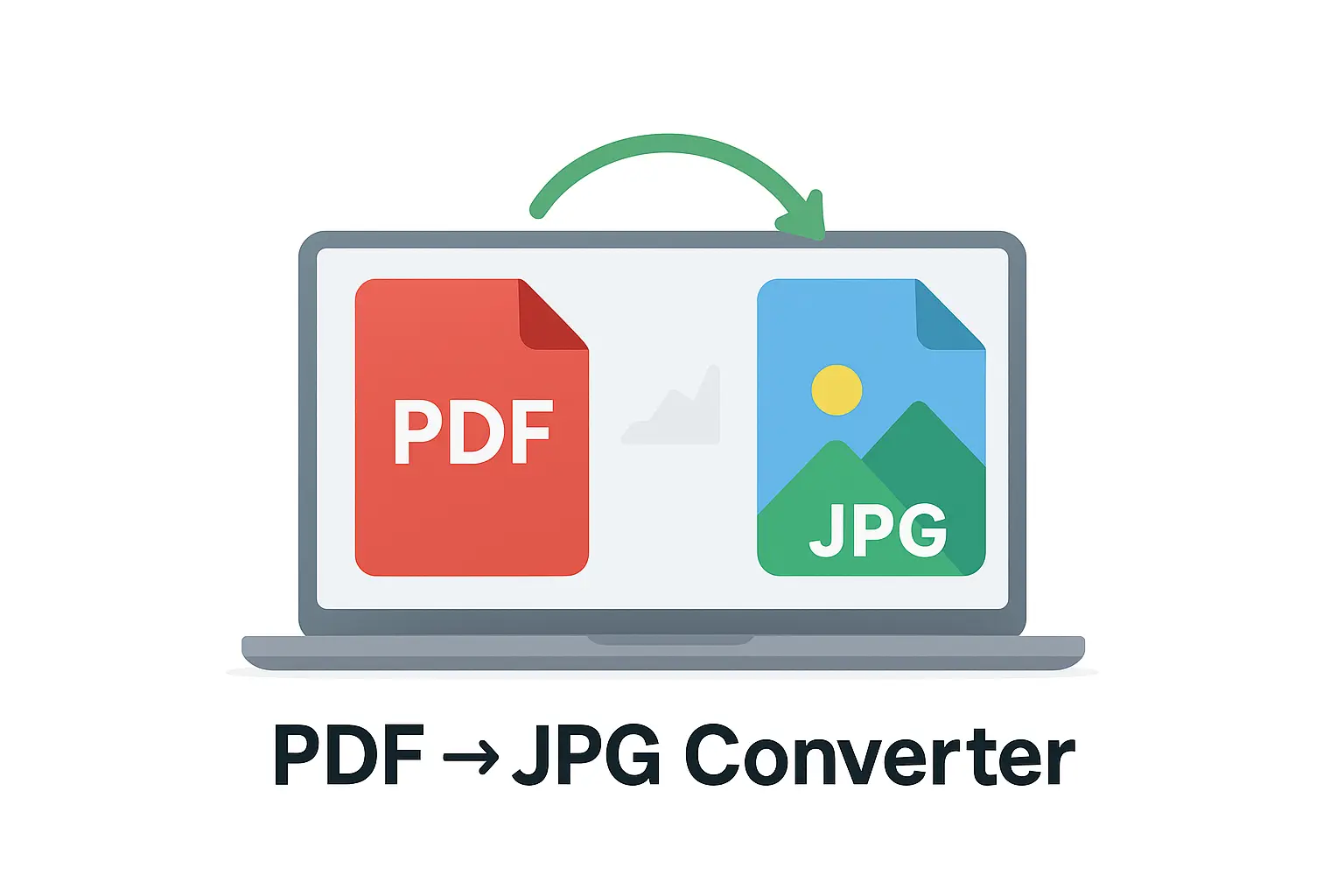
🖼️ Convert PDFs into high-quality JPG images – free, fast & secure.
Need to save a PDF as images? Our PDF → JPG Converter makes it easy. Upload your PDF, and each page will be turned into a high-quality JPG that you can preview and download. With one click, you can save all pages in a convenient ZIP file. Everything runs in your browser, so your files stay private and secure—no uploads, no signups. Perfect for sharing documents as images, archiving pages, or using PDF pages in presentations.
📷 PDF → JPG Converter
Convert PDF pages into high-quality JPG images. 100% browser-based & secure.
📘 How to Use the PDF → JPG Converter?
- Upload your PDF – Select the file from your computer.
- Click Convert – Each page will be turned into a JPG image.
- Preview – Scroll down to see all pages as images.
- Download All – Save all JPGs in a ZIP file.
- Reset – Start again with a new file.
- Large file size? – JPGs are high quality; resize in any image editor if needed.
- Only text needed? – Try our PDF → Word Converter instead.
- Need Excel output? – Use our PDF → Excel Converter.
📂 CONVERT FROM PDF
⚡ Convert your PDF files into multiple formats with our free tools. Fast, secure, and 100% browser-based — no upload, no signup required.
PDF to JPG Converter – Convert PDF Pages into High-Quality Images Online
Use our free PDF to JPG Converter to quickly turn your PDF pages into high-quality image files. Choose between single-page extraction or converting entire documents into separate JPG images — all online and secure.
What Is a PDF to JPG Converter?
The PDF to JPG Converter helps you extract images or convert each page of your PDF into individual JPG files. It’s ideal for creating image previews, sharing content on social media, or printing documents as pictures.
How to Convert PDF to JPG
- Click on “Choose File” and upload your PDF document.
- Select your conversion option — single page or all pages.
- Click “Convert to JPG” and wait a few seconds.
- Download your JPG images individually or as a ZIP file.
Example Use Cases
| Task | Input | Output |
|---|---|---|
| Extract report pages | Report.pdf | Page1.jpg, Page2.jpg |
| Convert eBook to images | Book.pdf | BookImages.zip |
| Share slides on social media | Presentation.pdf | Slide1.jpg, Slide2.jpg |
| Extract photos from PDF | Photos.pdf | PhotoSet.jpg |
Key Features of the PDF to JPG Tool
- 📷 Convert PDF pages into high-resolution JPG images.
- 🧾 Option to extract all pages or specific pages only.
- 💻 Works on any device — desktop, tablet, and mobile.
- 🔒 100% secure — files auto-deleted after processing.
- 📦 Download as individual JPGs or combined ZIP archive.
Benefits of Converting PDF to JPG
- ✅ Easily share document content as images.
- ✅ Use PDF visuals in presentations or web pages.
- ✅ Create thumbnails or image-based archives from PDFs.
- ✅ Great for students, professionals, and designers.
Tips for Best Results
- Use high-resolution PDFs for sharp image output.
- Compress your JPGs using the Image Compressor Tool for faster uploads.
- Need to reverse it? Use our JPG to PDF Converter anytime.
Frequently Asked Questions (FAQ)
1. Can I extract images from a multi-page PDF?
Yes — you can convert every page into a separate JPG file or extract specific ones.
2. Will my image quality remain high?
Absolutely. The converter maintains the original PDF resolution for each JPG.
3. Is this tool safe?
Yes. All uploaded files are encrypted and deleted automatically after download.
4. Does it work on mobile devices?
100%. You can use it on Android, iPhone, or any browser.
5. Can I batch convert multiple PDFs?
Yes — simply upload multiple PDFs for batch conversion.
Final Thoughts
The PDF to JPG Converter is the fastest and easiest way to extract or convert your PDF pages into images. Whether for education, design, or business, it’s a reliable, secure, and free tool to make your documents image-ready in seconds.
Useful Links:
Convert from PDF Tool |
JPG to PDF Converter |
PDF to Word Converter |
PDF to Excel Converter |
WHO – Digital Data Privacy Info