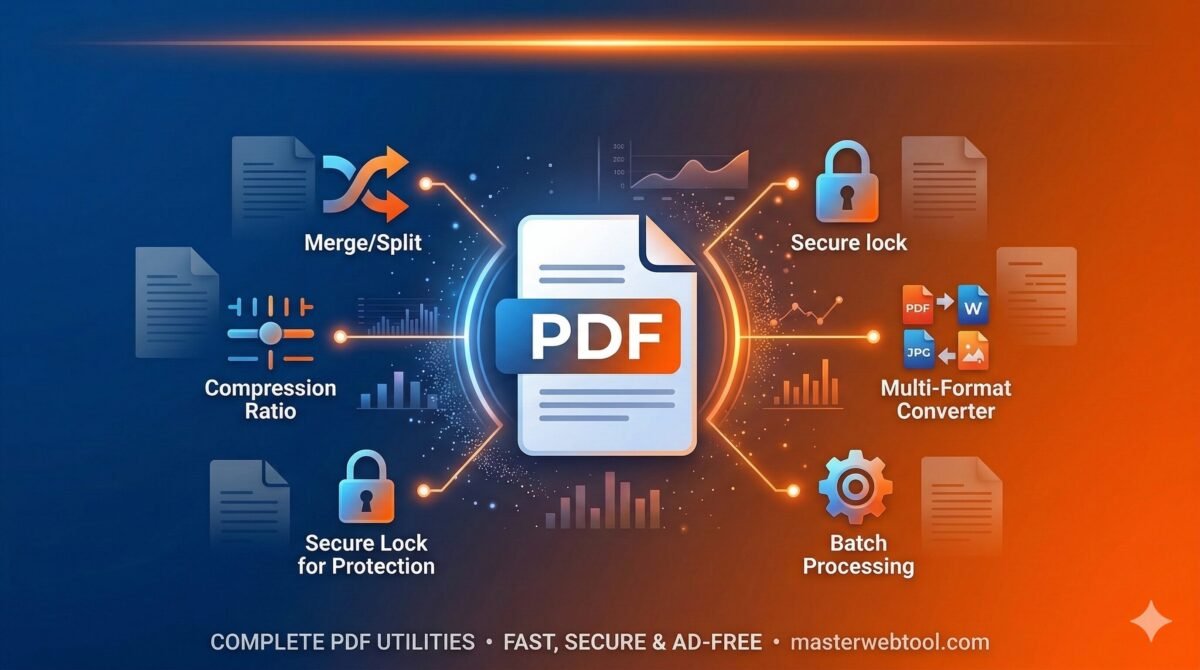
Use our free Bulk PDF to Word Converter to instantly change multiple PDFs into editable Word documents. Secure, fast, and keeps original formatting!
Bulk PDF to Word Converter
Convert multiple PDFs to Word simultaneously with original layout.
(You can select multiple files at once)
The Ultimate Free Bulk PDF to Word Converter Online
In today’s fast-paced digital landscape, managing documents efficiently is crucial for students, professionals, and businesses alike. While the PDF (Portable Document Format) is the universal standard for sharing and printing files, it is notoriously difficult to edit. Have you ever received a PDF report, invoice, or assignment and needed to make a quick text change? That is exactly where a reliable PDF to Word Converter becomes your most valuable digital asset.
At MasterWebTool, we understand that time is money. Converting a single file is easy, but what if you have ten, twenty, or fifty PDFs that need to be converted into editable MS Word documents? To solve this massive pain point, we have engineered a state-of-the-art Bulk PDF to Word Converter. Built with user experience in mind, this tool allows you to transform multiple PDFs into DOCX format simultaneously, without losing your original formatting.
🔗 Related Useful Tools:
Why Choose MasterWebTool for PDF to Word Conversion?
With years of dedicated experience in developing seamless, user-friendly web tools, we focus on utility, speed, and privacy. Here is why our converter is the best choice for you:
1. True Bulk Conversion Capability
Forget the hassle of uploading, converting, and downloading files one by one. Our tool is designed for bulk processing. You can select multiple PDF files at once, hit the convert button, and watch as our cloud engine processes them simultaneously. Each file gets its own dedicated, secure download link.
2. Flawless Layout Retention
The biggest nightmare when converting documents is losing the original design. Missing tables, broken margins, and jumbled text can take hours to fix. Our smart conversion algorithm extracts text, images, and tables precisely, reconstructing them in the DOCX format so that your new Word document looks exactly like the original PDF.
3. 100% Free and Browser-Based
You do not need to purchase expensive desktop software or pay for monthly subscription plans. This tool is completely free to use. Furthermore, it operates entirely within your web browser. Whether you are using Google Chrome, Safari, or Firefox on a Windows PC, Mac, or smartphone, our tool runs smoothly without requiring any plugin installations.
4. Enterprise-Grade Security and Privacy
We respect your privacy. All file conversions happen through a secure, encrypted cloud connection. Once your PDFs are converted to Word documents and downloaded, the files are automatically and permanently wiped from the servers. We do not store, read, or share your sensitive documents.
How to Convert Multiple PDFs to Word Online
Using our tool is incredibly simple. You don’t need any technical skills to get your editable documents. Just follow these quick steps:
- Step 1: Upload Your PDFs – Click on the large “Upload” area at the top of this page. You can select a single PDF or highlight multiple PDF files to convert them all at once.
- Step 2: Review Your Selection – The tool will instantly display a clean, organized list of all the files you have selected.
- Step 3: Click “Convert All Files” – Hit the orange conversion button. Our cloud-based API will instantly begin processing your documents.
- Step 4: Download Your Word Documents – As soon as a file is successfully processed, a green download button will appear for that specific file.
The Importance of Converting PDF to Editable DOCX
You might wonder, why convert to Word instead of just using a PDF editor? While basic PDF editors allow you to add text boxes or highlight sections, they do not offer deep structural editing. By converting your PDF to a Word document, you unlock the ability to:
- Rewrite Entire Paragraphs: Without worrying about text overlapping or unnatural line breaks.
- Extract and Replace Images: Easily swap out logos, charts, or photos.
- Reformat Tables: Adjust column widths, add new rows, and change cell colors seamlessly.
- Change Fonts and Styling: Apply new typography to match your current branding guidelines.
Frequently Asked Questions (FAQs)
Q1: Is this PDF to Word converter really free to use?
Yes! MasterWebTool provides this premium bulk conversion service entirely for free. There are no hidden charges or watermarks on your downloaded documents.
Q2: Will my converted Word document look exactly like the PDF?
Our tool uses advanced cloud conversion API technology to ensure maximum layout retention. In 99% of cases, your tables, fonts, images, and alignments will remain exactly as they were in the original PDF file.
Q3: Can I convert multiple PDF files at the same time?
Absolutely. Unlike many other free tools that restrict you to one file at a time, our converter is specifically built for bulk processing. You can select and convert multiple files in a single click.
Q4: Is it safe to upload confidential documents?
Security is our top priority. Your files are uploaded over a secure connection and are processed on automated servers. They are never read by humans and are permanently deleted from the servers immediately after conversion.
Q5: Do I need to install any software to use this tool?
No installation is required. This is a 100% web-based application. It works perfectly on Windows, macOS, Linux, Android, and iOS devices directly through your internet browser.