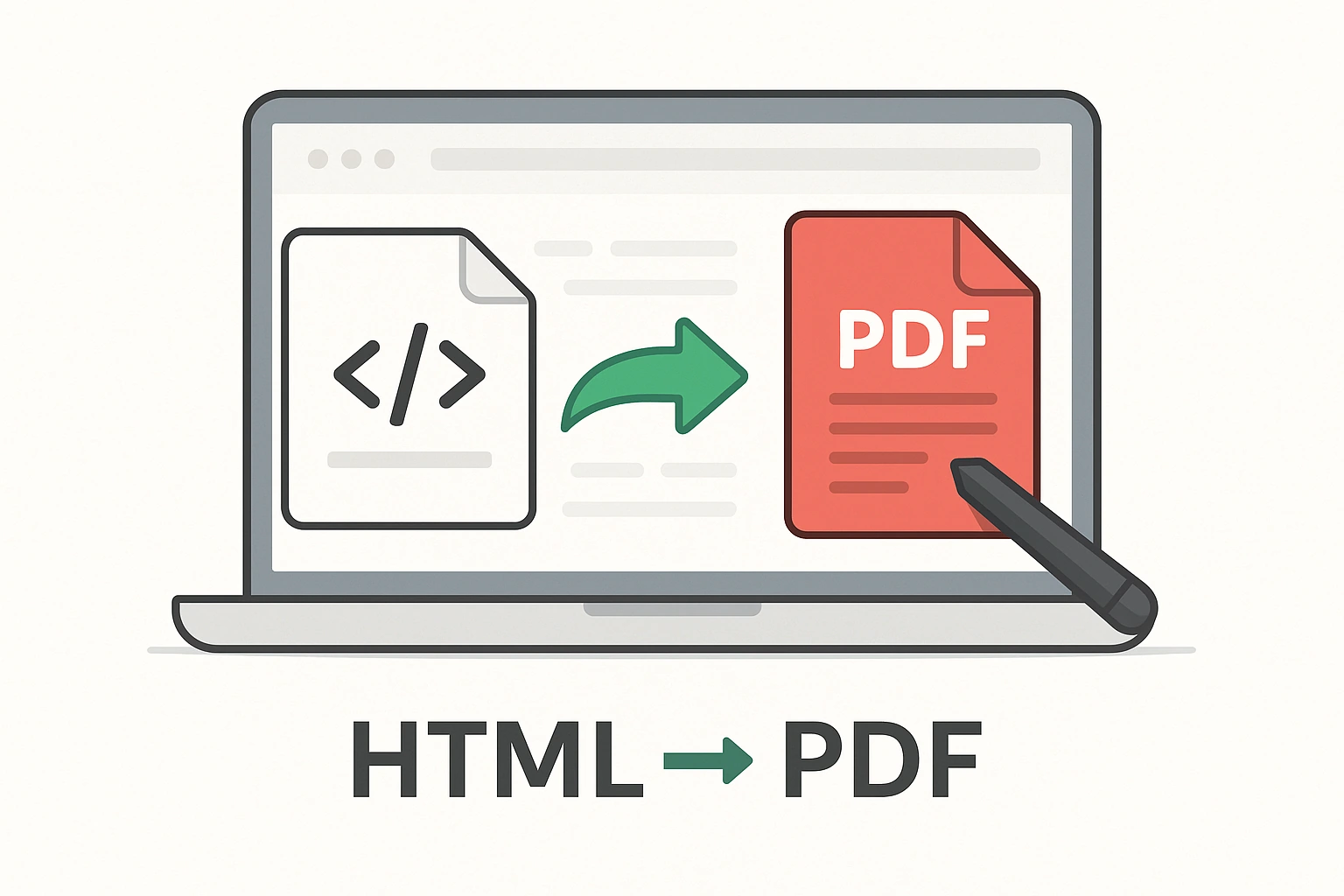
Convert HTML to PDF online instantly with high accuracy. Paste your HTML code and download a professional, print-ready PDF. Fast, free, responsive, and easy-to-use HTML to PDF converter tool.
🌐 HTML to PDF / PNG / JPEG Converter
Paste your HTML code or upload an HTML file, preview it, and download as PDF, PNG, JPEG, or all formats (ZIP).
👁️ Live Preview
📘 How to Use This Tool?
- Upload File – Click “Choose File” and upload your document (or paste text/code if supported).
- Adjust Settings – Select available options (page size, orientation, compression, etc.).
- Preview – Check the live preview (if available) to confirm formatting.
- Convert / Process – Click the main button to start the tool.
- Download – Once done, download your new file.
- File not supported? – Make sure it’s in the correct format (PDF, DOCX, JPG, etc.).
- Output looks wrong? – Adjust orientation, page size, or upload a cleaner file.
- Big file size? – Use Compress PDF after conversion.
- Images missing? – Use absolute paths (https://example.com/img.png) in HTML tools.
- Need all formats? – Choose the 📦 ZIP option (if available) to download everything together.
Pro Tip: For best results, clean up your file (remove blanks, adjust formatting) before uploading.
🔗 Related Tools: Word to PDF · Excel to PDF · JPG to PDF
📂 CONVERT TO PDF
⚡ Easily convert files and content into PDF format. Merge, convert from Office files, images, or HTML — all fast, free, and secure.
HTML to PDF Converter – Convert Webpages & HTML Files to PDF Online
Use our free HTML to PDF Converter to instantly convert web pages or HTML files into professional-quality PDF documents. Preserve links, text, and layout perfectly — ideal for saving webpages, reports, or code-based files for sharing and printing.
What Is an HTML to PDF Converter?
The HTML to PDF Converter transforms any HTML file or live webpage into a PDF. It’s a must-have tool for web developers, designers, business owners, and students who want to archive or share webpage content offline while maintaining its original formatting.
How to Convert HTML to PDF
- Paste the HTML code or upload your .html file.
- Alternatively, enter a website URL (e.g., https://example.com).
- Click “Convert to PDF”.
- Download your generated PDF instantly — fully formatted and ready to use.
Example Use Cases
| Task | Input | Output |
|---|---|---|
| Save a webpage as PDF | https://example.com/blog | blog.pdf |
| Convert HTML invoice | invoice.html | invoice.pdf |
| Archive website content | news.html | news.pdf |
| Convert code reports | report.html | report.pdf |
Key Features of the HTML to PDF Tool
- 🌐 Convert HTML, web pages, or URLs to PDF instantly.
- 📄 Preserves text, images, links, and styles perfectly.
- 🧾 Supports both local files and online URLs.
- 💻 Works on desktop, mobile, and tablet devices.
- 🔒 100% secure — all files deleted after processing.
Benefits of Converting HTML to PDF
- ✅ Save web content for offline reading or sharing.
- ✅ Create digital records, invoices, or reports in PDF format.
- ✅ Keep the original design intact for print or presentation.
- ✅ Share webpages easily without breaking links or layout.
Tips for Best Results
- Ensure your HTML uses proper styling (CSS) for accurate conversion.
- Check your page margins and orientation before conversion.
- Compress your PDF afterward using the Compress PDF Tool for faster sharing.
Frequently Asked Questions (FAQ)
1. Can I convert a live webpage to PDF?
Yes — simply paste the full URL, and the tool will convert it instantly.
2. Will hyperlinks work in the converted PDF?
Yes, all clickable links and formatting are preserved.
3. Can I convert multiple HTML files?
Yes, batch conversion is supported for multiple .html uploads.
4. Is my data secure?
100% — your files are encrypted during transfer and auto-deleted after conversion.
5. Will images and CSS be included?
Absolutely — all inline and linked styles, fonts, and images are preserved in your PDF.
Final Thoughts
The HTML to PDF Converter makes saving webpages, invoices, or online reports easier than ever. Whether for design, documentation, or sharing, it’s a fast, reliable, and secure solution for converting HTML into perfectly formatted PDFs.
Useful Links:
Convert to PDF Tool |
PDF to Word Converter |
PDF to Excel Converter |
Merge PDF Tool |
WHO – Digital Data Privacy Info