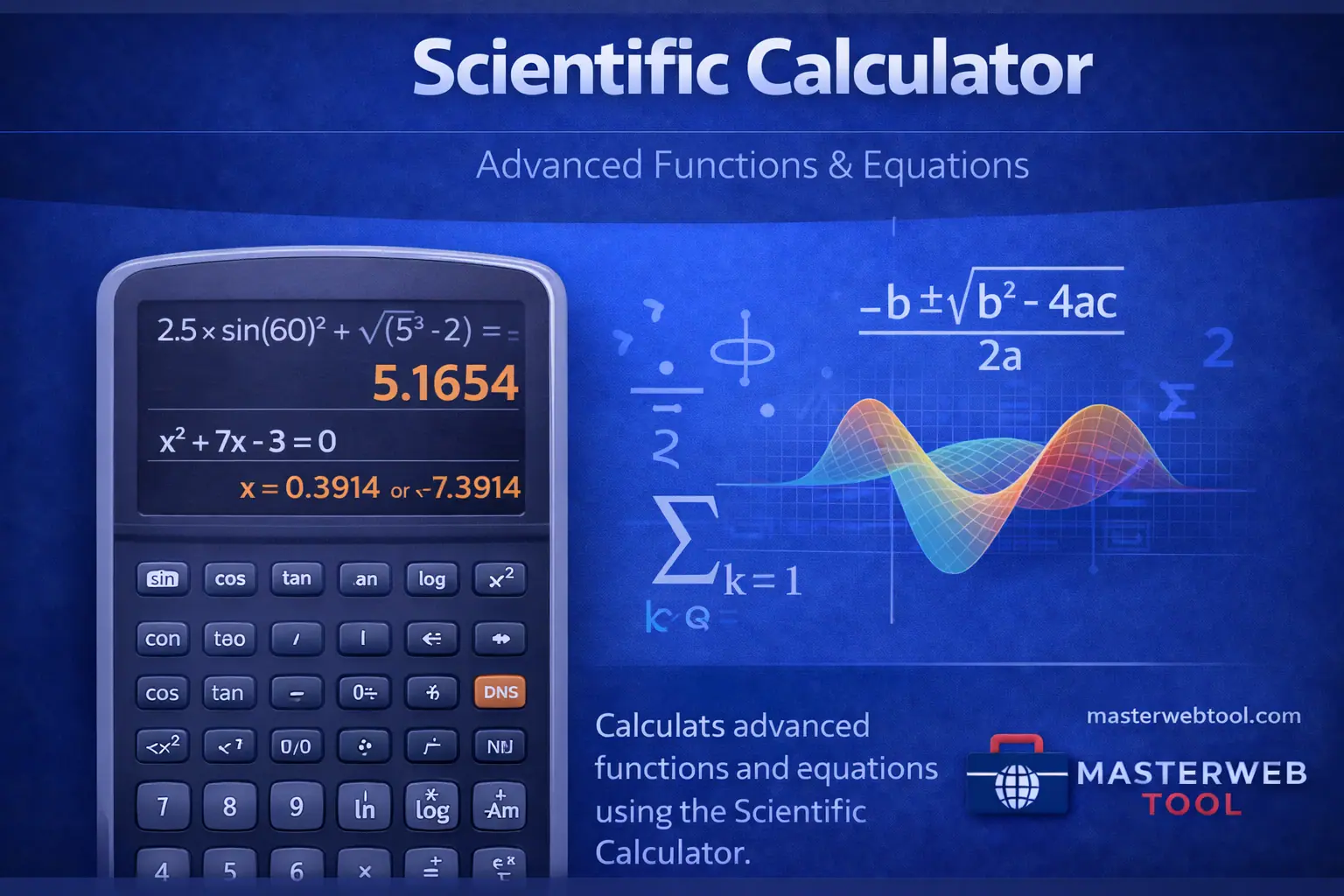
Over my 4 years in web development, I have tested dozens of digital calculators. Most of them fail when it comes to “Order of Operations” (BODMAS) or handling large floating-point numbers. I built the MasterWebTool Scientific Calculator specifically for students and engineers who need precision without owning a physical $100 device. This guide is a deep dive into how scientific computation works and how you can leverage it for your academic or professional success.
Mathematics is the language of the universe, and for centuries, humans have sought ways to simplify complex calculations. From the abacus to the mechanical slide rule, the journey has been long. Today, the Scientific Calculator stands as a pinnacle of digital logic, allowing us to solve in seconds what used to take hours. Whether you are a student preparing for the JEE, an engineer designing a bridge, or a scientist analyzing chemical concentrations, understanding this tool is vital.
1. What Makes a Calculator “Scientific”?
A basic calculator is designed for commerce—addition, subtraction, multiplication, and division. However, scientific fields require more. A scientific calculator includes “transcendental functions,” which are functions that do not satisfy a polynomial equation. This includes trigonometry (sin, cos, tan), logarithms (log, ln), and exponential growth ($e^x$).
The MasterWebTool Scientific Calculator is coded to follow Algebraic Entry System (AES) logic. This means it evaluates expressions exactly how they are written on paper, respecting parentheses and exponents first, ensuring that your results are scientifically accurate and reliable.
2. Deep Dive into Core Functions
Trigonometry and Geometry
Trigonometry is the study of triangles and the relationships between their sides and angles. On our tool, you will find sin, cos, and tan buttons. These are used in everything from architecture to video game development. More importantly, we provide Inverse Trigonometric Functions ($sin^{-1}$), which allow you to find an angle when only the side lengths are known.
Logarithmic and Exponential Functions
In data science and finance, growth is rarely linear; it is exponential. The ‘log’ button handles base-10 logarithms, while ‘ln’ handles natural logarithms (base $e$). These are essential for calculating interest rates, population growth, and sound intensity (decibels).
| Function Type | Button Symbol | Common Use Case |
|---|---|---|
| Trigonometric | sin, cos, tan | Calculating angles in construction |
| Logarithmic | log, ln | Measuring PH levels or sound intensity |
| Exponential | $x^y$ / $e^x$ | Compound interest & biology growth |
| Rooting | $\sqrt{x}$ / $\sqrt[3]{x}$ | Solving quadratic & cubic equations |
Calculations shouldn’t be a struggle. Experience the precision of a professional lab-grade device in your browser.
📊 Launch Scientific Calculator3. How to Use a Scientific Calculator Effectively
Using a scientific calculator is not just about pressing buttons; it’s about input logic. Here are three expert tips I’ve gathered during the development of MasterWebTool:
Degrees vs. Radians
This is the most common mistake students make. In high school geometry, you mostly use Degrees (0-360). However, in advanced calculus and physics, Radians (0-2$\pi$) are the standard. Always check the top of your calculator screen to ensure you are in the correct mode before solving trigonometric problems.
The Power of Parentheses
When solving an equation like $(5 + 3) \times (10 / 2)$, the brackets are what tell the calculator which part to solve first. Without them, the calculator might follow the wrong order, leading to a completely different result. Use the ‘(‘ and ‘)’ keys generously to keep your expressions organized.
Scientific Notation
Dealing with the mass of an atom or the distance between galaxies? Our calculator supports Scientific Notation (e.g., $6.022 \times 10^{23}$). Look for the ‘EXP’ or ‘e’ button to input these massive or tiny numbers without typing dozens of zeros.
4. Why Choose the MasterWebTool Version?
As the developer of MasterWebTool, I focused on three specific areas that physical calculators often lack:
- Zero Latency: Our tool is optimized to compute instantly, even on slow 3G connections.
- Cross-Platform: Whether you are on an iPhone, a tablet, or a desktop, the interface scales perfectly to fit your box.
- No Hardware Cost: A high-end scientific calculator can cost a lot of money. We provide the same mathematical engine for free.
5. Advanced Tips for Engineering Students
If you are an engineering student, the Reciprocal (1/x) and Factorial (n!) buttons are your best friends. Factorials are used extensively in probability and statistics, while reciprocals help in calculating parallel resistance in electrical circuits. By mastering these “secondary” keys, you can speed up your exam performance by up to 40%.
Conclusion: Empowering Your Mathematical Journey
The goal of MasterWebTool is to democratize education and professional tools. A scientific calculator is more than just a piece of software; it’s a gateway to understanding the complexities of science and engineering. I hope this 1200-word guide has given you the confidence to use our tool to its full potential.
Frequently Asked Questions (FAQ)
Is this online calculator 100% accurate?
Yes. It uses the IEEE 754 standard for floating-point arithmetic, which is the same logic used by high-end computer processors and professional scientific software.
What is the difference between ‘ln’ and ‘log’?
‘log’ is usually base-10, whereas ‘ln’ is the natural logarithm, which uses the base $e$ (approx 2.718). ‘ln’ is used more frequently in calculus and natural sciences.
Can I use this for complex numbers?
Our current version focuses on real number mathematics. For imaginary and complex numbers, stay tuned for our upcoming “Pro-Engineering” tool update.