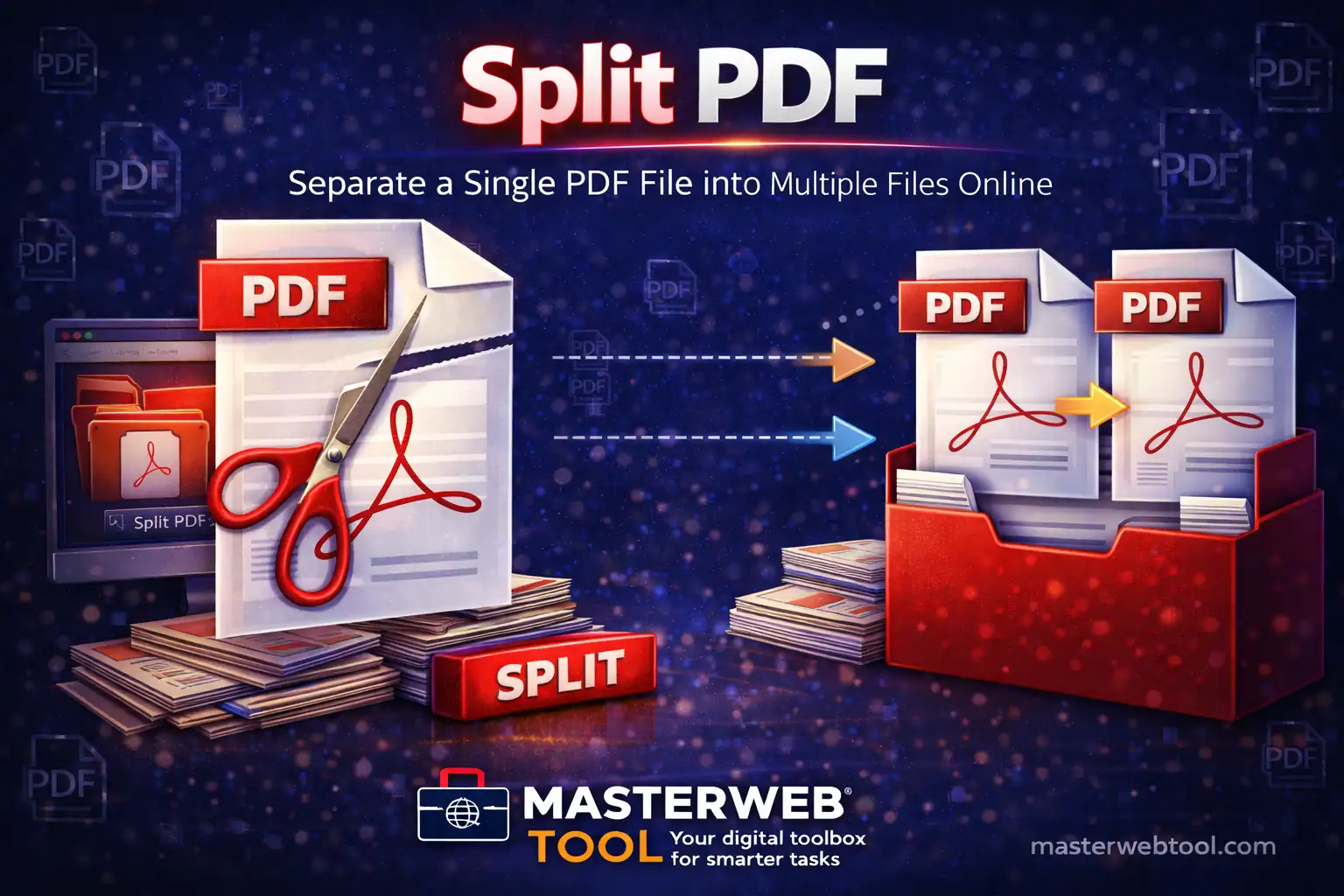
Split PDF Guide helps you divide a single PDF file into multiple smaller PDF documents. Whether you need to extract specific pages or separate a large document into parts, a Split PDF tool makes the process fast and simple.
This complete Split PDF guide explains what PDF splitting is, why it is useful, how to split PDF files step by step, and how an online Split PDF tool helps manage documents more efficiently.
What Is Split PDF?
Split PDF is a process that divides a single PDF file into two or more separate PDF files. You can split a PDF by page range, individual pages, or specific sections depending on your needs.
Why Split PDF Is Important
- Extract required pages from large PDFs
- Share only specific parts of a document
- Reduce file size for easier uploading
- Improve document organization
- Save time and effort
How Split PDF Tool Works
A Split PDF tool allows you to upload a PDF file, select the pages or page ranges you want to separate, and instantly create multiple new PDF files without affecting quality.
How to Split PDF Files (Step-by-Step)
- Open the Split PDF tool
- Upload the PDF file
- Select pages or page ranges
- Click the split button
- Download the split PDF files
Benefits of Using an Online Split PDF Tool
- No software installation required
- Works on all devices and browsers
- Maintains original document quality
- Fast and easy to use
- Secure file handling
Who Should Use Split PDF?
- Students separating study material
- Professionals sharing specific report pages
- Businesses managing large documents
- Teachers and educators
- Anyone handling multi-page PDFs
Common Mistakes While Splitting PDF Files
- Selecting incorrect page ranges
- Splitting without previewing pages
- Using unreliable tools
- Ignoring file size limits
Split PDF vs Other PDF Tools
- Split PDF: Divides a PDF into multiple files
- Merge PDF: Combines multiple PDFs into one
- Compress PDF: Reduces PDF file size
Tips for Better PDF Splitting
- Preview pages before splitting
- Double-check selected page ranges
- Rename split files clearly
- Store original PDF safely
Related PDF Tools
Split Your PDF Files Now
Use our free Split PDF tool to extract pages or divide large PDF files into smaller documents easily.
Open Split PDF →Frequently Asked Questions (FAQ)
What does Split PDF mean?
Split PDF means dividing a single PDF document into multiple separate PDF files.
Is Split PDF safe to use?
Yes, trusted Split PDF tools process files securely and do not permanently store your documents.
Can I split PDF files for free?
Yes, MasterWebTool provides a free Split PDF tool for users.
Does splitting PDF affect quality?
No, splitting PDF files does not affect the quality of text or images.

Ravi Chand Yadav is the founder of MasterWebTool, focused on building fast, simple, and reliable online tools for PDF management, calculators, and productivity.