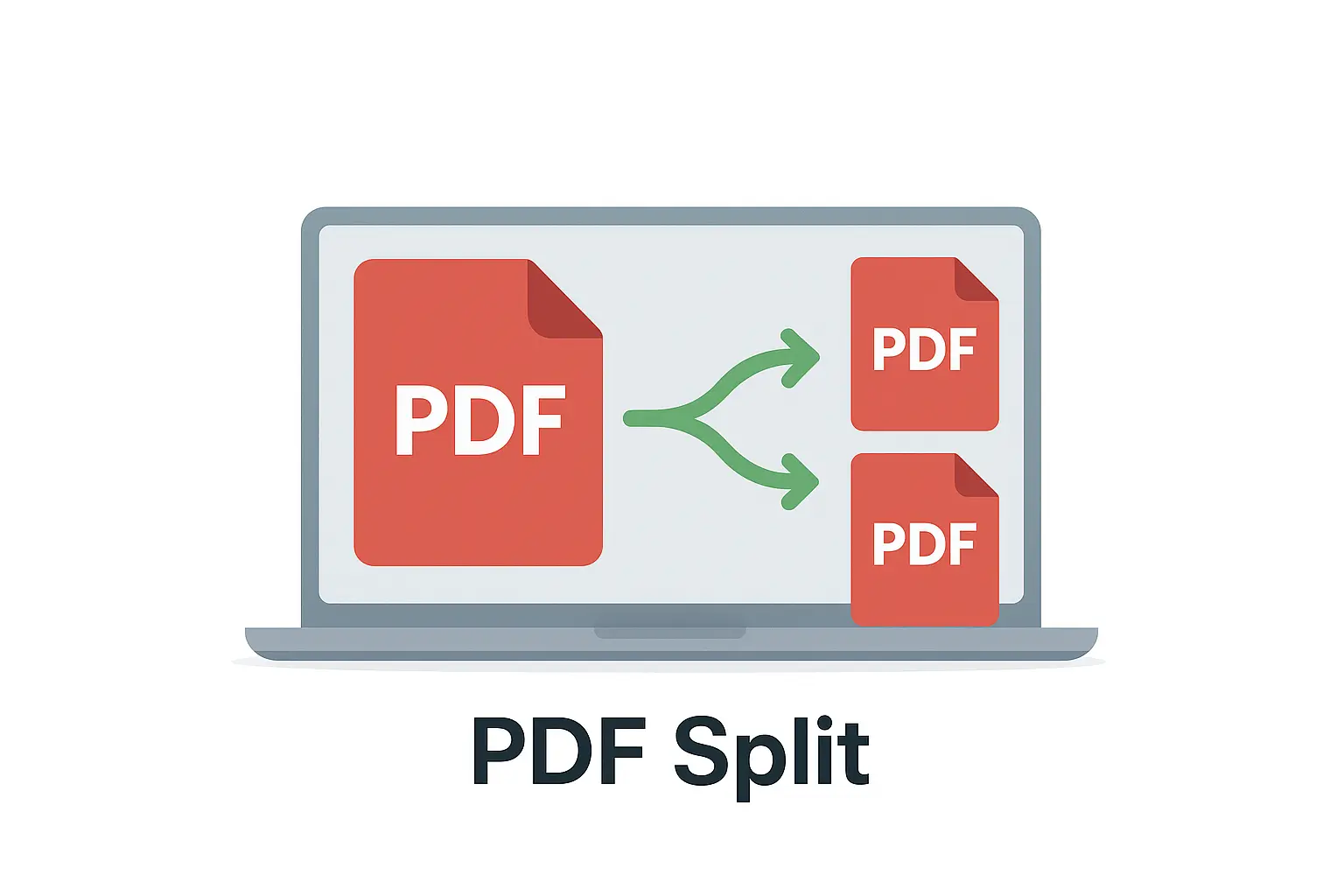
Split PDF

Use our free online PDF splitter to separate your PDF into single pages. Upload your file, select the pages you want, and download them instantly. No signup required.

✂️ Split PDF

Upload your PDF, preview pages (left), and split it into ranges or groups (right).

📑 Page preview will appear here…

✂️ How to Use the Split PDF Tool?

  1. Upload your PDF – Click “Choose File” and select the PDF you want to split.
  2. Select split type – Options may include:
    • 📄 By page ranges – e.g., 1–3, 4–6.
    • 📄 Extract specific pages – e.g., only page 5.
    • 📄 Split every page – each page saved as its own PDF.
  3. Apply split – The tool will generate separate PDFs.
  4. Download results – Save one ZIP file containing all the split PDFs.
  • Wrong page split? – Double-check your page ranges before applying.
  • Need multiple sections? – Enter several ranges (e.g., 1–5, 6–10).
  • Large file? – Splitting into smaller parts will reduce size and make sharing easier.
  • Blank pages included? – Delete them in the output PDF or re-split without those pages.
  • Need just one page? – Use “Extract Pages” tool for faster results.

Pro Tip: Use Split PDF when handling long eBooks, reports, or scanned files where you only need specific sections.

Related Tools: Merge PDF · Remove Pages · Extract Pages

📚 ALL PDF TOOLS – MASTERWEBTOOL

⚡ Manage, convert, edit, split, merge, compress, rename, organize, and AI-analyze PDF files. All tools are fast, free, and 100% browser-based.

🧩

Extract Pages

Extract specific pages into a new PDF file.

Open Tool
🗑️

Delete PDF Pages – Pro Suite

Remove unwanted or blank pages from PDFs instantly.

Open Tool
🔀

Reorder PDF Pages

Drag and drop pages to rearrange your PDF order.

Open Tool
📑

Sort PDF Pages – PRO MAX

Auto-sort PDF pages by number, name, or size.

Open Tool

Combine & Reorder PDF

Merge multiple PDFs and rearrange all pages.

Open Tool
📁

Organize by Folder – PRO MAX

Group PDF pages into labeled folders or categories.

Open Tool
🤖

AI Auto Organizer – PRO MAX

AI auto-detects categories and organizes pages.

Open Tool
📝

Rename PDF Files

Batch rename files using patterns like {num}.

Open Tool
✂️

Split PDF

Cut one PDF into multiple smaller PDFs instantly.

Open Tool
🗜️

Compress PDF

Reduce PDF size while keeping good quality.

Open Tool
📄

Word to PDF

Convert DOC / DOCX files into PDF format.

Open Tool
📊

PowerPoint to PDF

Convert PPT / PPTX slides to a PDF document.

Open Tool
📈

Excel to PDF

Convert spreadsheets into clean PDFs.

Open Tool

Split PDF – Extract or Separate Pages from a PDF Online

Use our free Split PDF tool to quickly extract, divide, or separate pages from any PDF file. Whether you need a single page or multiple sections, this online splitter helps you organize documents easily without installing software.

What Is a Split PDF Tool?

The Split PDF tool allows you to divide large PDF files into smaller, more manageable sections. You can extract selected pages, separate each page into its own file, or split a document by ranges — all securely in your browser.

How to Split a PDF File

  • Click “Choose File” and upload your PDF document.
  • Select your preferred mode — by page range, individual pages, or custom selection.
  • Click “Split PDF” to process the file.
  • Download your separated PDFs instantly.

Example Use Cases

TaskActionResult
Extract a single pageChoose page 5 onlyCreates a new PDF with page 5
Split every pageSelect “Each page as a separate file”Creates multiple PDFs
Separate chaptersSplit by page ranges (1–5, 6–10, etc.)Each section saved as a new file
Remove unwanted pagesSelect all but certain pagesPDF created without excluded pages

Features of the Split PDF Tool

  • ✂️ Split PDFs by pages, ranges, or custom selection.
  • 📄 Preview pages before splitting.
  • 💾 Download selected parts as new PDFs.
  • 🔒 100% secure — all files deleted automatically after processing.
  • 📱 Works on desktop, mobile, and tablet devices.

Benefits of Using This Tool

  • ✅ Extract specific content easily (reports, receipts, or chapters).
  • ✅ Save only the pages you need — save space and time.
  • ✅ Rearrange and organize PDFs quickly.
  • ✅ No software or account required — fully web-based.

Tips for Best Results

  • Use page preview to confirm selection before splitting.
  • Split large files into smaller ones for faster downloads.
  • Combine your extracted files later with the Merge PDF Tool.

Frequently Asked Questions (FAQ)

1. Is it safe to upload my PDF?
Yes — your files are encrypted during upload and deleted automatically after download.

2. Can I split a password-protected PDF?
Yes, if you know the password. Unlock it first, then use this tool to split it.

3. Can I split by custom page ranges?
Absolutely! You can specify exact pages or ranges like “2-5, 8, 11-13.”

4. Does the tool work on mobile?
Yes — it’s fully responsive and works on all devices and browsers.

5. Does splitting affect PDF quality?
No — all split files maintain the original document’s quality and layout.

Final Thoughts

The Split PDF tool is a fast, reliable, and secure solution to extract or separate pages from any PDF. It’s ideal for managing long documents, reports, or scanned files — easy, free, and available anytime.

Useful Links:
Merge PDF Tool | Organize PDF Tool | PDF to Word Converter | PDF to Excel Converter | WHO – Digital Data Privacy Info

Share Your Experience & Rate This Tool!
Your Rating: (How would you rate this tool?)
⭐ 0.0 / 5 (0 reviews yet)
Write a short, catchy title for your review!
Describe your experience with this tool
Your response is anonymous unless you provide a name.
Sharing Is Caring:

Leave a Comment
