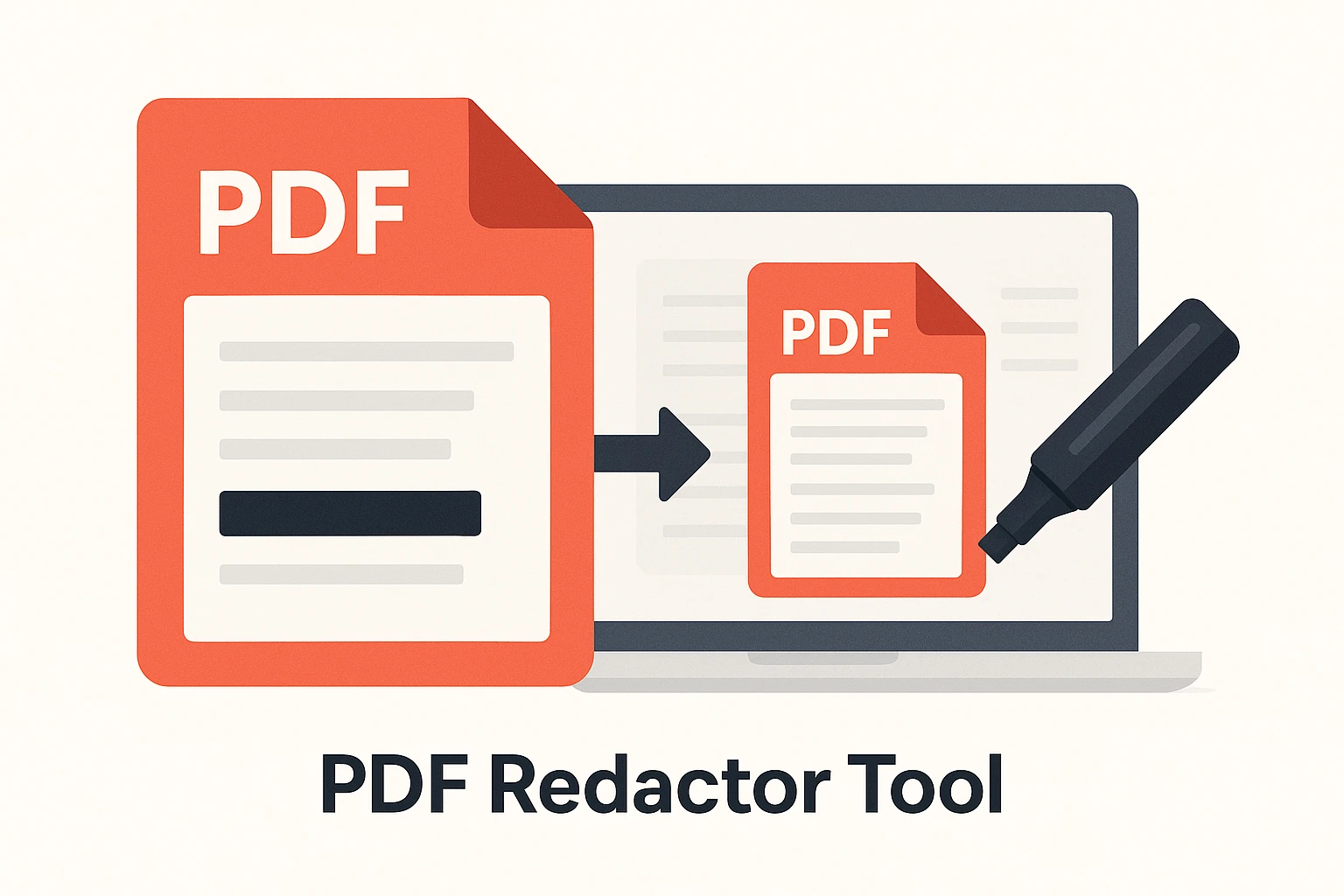
PDF Redactor Tool: Safeguard sensitive information with precision. Our advanced tool enables secure, permanent redaction and highlighting within PDFs. Featuring OCR-powered search, header/footer protection, and mobile-responsive design, it ensures confidential data remains protected while maintaining document integrity. Ideal for legal, medical, and financial professionals who prioritize security and compliance.
Confirm Delete
Are you sure?
🛡️ How to Use the Redact PDF Tool?
- Upload your PDF – Click “Choose File” and select the PDF you want to redact.
- Select sensitive content – Highlight text, images, or sections you want to hide.
- Apply redaction – The selected areas will be permanently blacked out or removed.
- Review changes – Scroll through to confirm all sensitive data is covered.
- Download PDF – Save the redacted file to your device (irreversible).
- Accidentally redacted wrong text? – Undo before downloading (cannot be undone after saving).
- Hidden text still searchable? – Make sure you use permanent redaction, not just highlight/black box.
- Images not redacted? – Select the entire image area before applying.
- Need partial redaction? – You can redact specific words, numbers, or even just one line.
- Legal documents? – Double-check everything — redaction is irreversible once applied.
Pro Tip: Always keep a backup copy of the original PDF before applying redaction, in case you need it later.
Related Tools: PDF Editor · Sign PDF · Protect PDF
🔐 PDF SECURITY
🔒 Secure and manage your PDFs with powerful online tools. Unlock, protect, sign, redact, or compare documents — all browser-based.
Redact PDF – Remove Sensitive Information from PDF Files Online
Use our free Redact PDF tool to permanently remove or hide sensitive information, confidential data, or personal details from your PDF documents. Blackout or erase private text securely online — simple, fast, and safe.
What Is a Redact PDF Tool?
The Redact PDF tool allows you to hide or remove confidential information from a PDF file before sharing it. You can black out selected areas, erase text, or obscure sensitive content so that it can’t be recovered later — ensuring data privacy and compliance.
How to Redact a PDF Online
- Click on “Choose File” and upload your PDF document.
- Select the text or area you want to redact.
- Choose a blackout or erase redaction style.
- Click “Apply Redaction” and download your sanitized PDF.
Example Use Cases
| Purpose | Input | Redacted Content | Output |
|---|---|---|---|
| Hide personal data | Application.pdf | Name, address | Application_Redacted.pdf |
| Remove confidential sections | Report.pdf | Financial info | Report_Cleaned.pdf |
| Blackout client details | Contract.pdf | Client ID, signature | Contract_Redacted.pdf |
| Erase legal references | CaseFile.pdf | Case numbers | CaseFile_Blacked.pdf |
Key Features of the Redact PDF Tool
- 🕵️ Blackout or erase sensitive text and areas.
- 🔒 Permanent redaction — removed data cannot be recovered.
- 🧾 Preview changes before saving.
- 💻 100% online — no installation required.
- 📱 Works on desktop, tablet, and mobile browsers.
- 🧠 Compliant with data privacy standards (GDPR-ready).
Benefits of Using the Redact PDF Tool
- ✅ Protect personal, legal, or confidential information.
- ✅ Prevent data leaks when sharing PDFs.
- ✅ Create secure, professional, and shareable files.
- ✅ Meet compliance and data protection regulations.
Tips for Best Results
- Always review your file before redaction — once applied, it’s permanent.
- Use blackout redaction for visible censoring; use erase mode for clean removal.
- Combine with Protect PDF Tool to add password security afterward.
- Compress the final file using Compress PDF Tool for easier sharing.
Frequently Asked Questions (FAQ)
1. What does redaction mean in a PDF?
Redaction is the process of permanently removing or hiding sensitive content from a PDF, making it unreadable and unrecoverable.
2. Can redacted text be recovered?
No — once applied, redaction is permanent and cannot be undone.
3. Is this tool safe to use?
Yes — your files are encrypted during upload and deleted automatically after processing.
4. Can I redact multiple pages?
Yes — you can select and redact multiple areas or pages in a single operation.
5. Does this work on mobile?
Yes — the Redact PDF tool works smoothly on Android, iPhone, and tablet browsers.
Final Thoughts
The Redact PDF tool provides a fast, secure, and reliable way to remove sensitive data from your documents. Whether for legal, financial, or personal use — it ensures full privacy before sharing or publishing your files.
Useful Links:
Protect PDF Tool |
PDF Security Tool |
Unlock PDF Tool |
Add Watermark Tool |
Edit PDF Tool |
Compress PDF Tool |
WHO – Digital Data Privacy Info