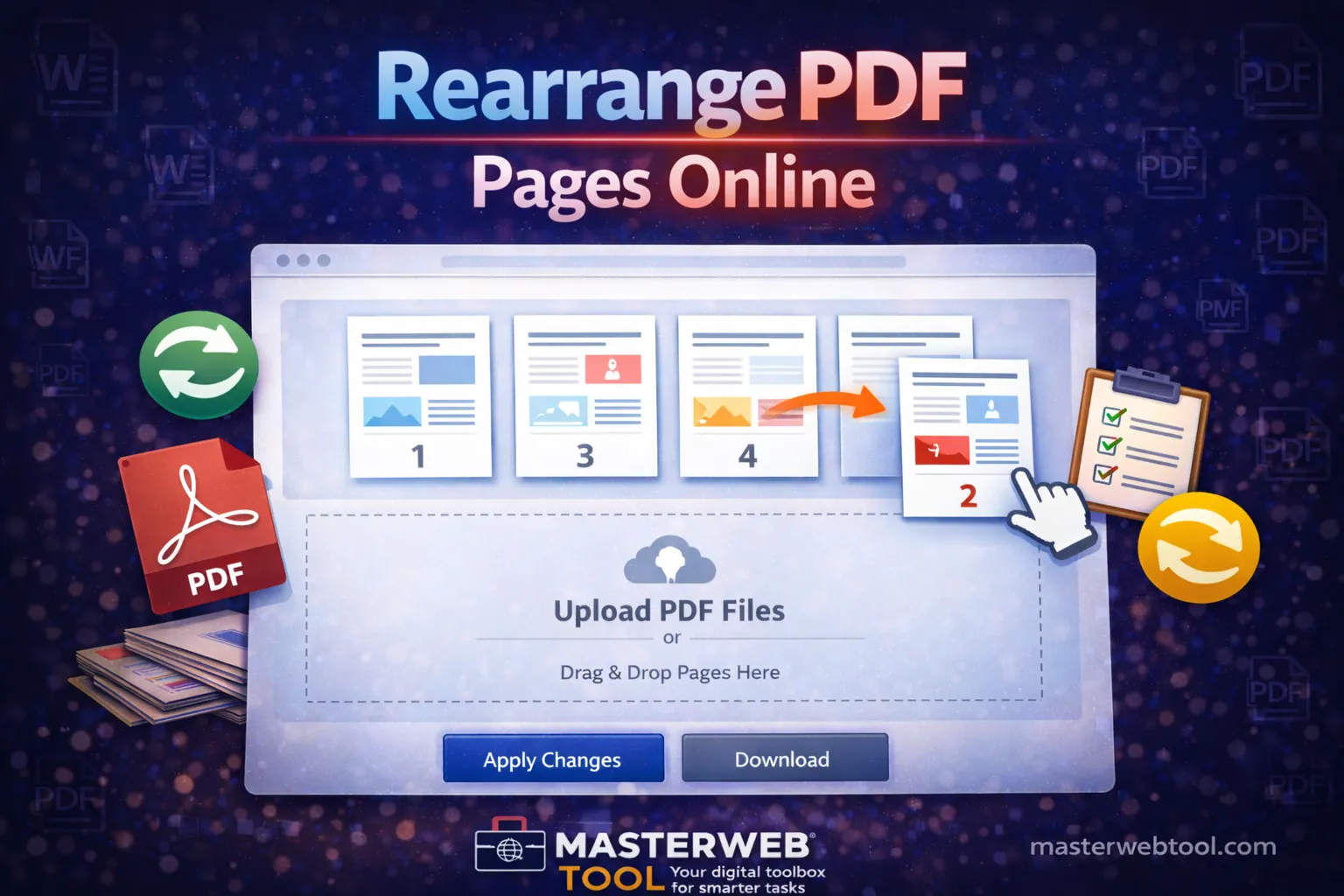
📄 Rearrange PDF Pages
No signup • No upload • 100% browser-based
Processing securely on your device…
📄 How to Use the Rearrange PDF Pages Tool
- Upload Your PDF: Click the “Choose File” button and select your PDF document.
- View Pages: All pages will appear as preview thumbnails.
- Rearrange Pages: Drag pages using the ☰ handle to change order.
- Rotate Pages: Click “Rotate” to turn a page by 90 degrees.
- Delete Pages: Remove unwanted pages using the Delete button.
- Download PDF: Click “Download PDF” to save the updated file.
💡 Tip: All changes are applied instantly in your browser.
The Rearrange PDF Pages Tool allows you to organize PDF files by reordering, rotating, and deleting pages — without installing any software.
- ✔️ No signup required
- ✔️ Works on mobile & desktop
- ✔️ Fast and easy to use
- ✔️ Free for everyone
- 🖥️ All processing happens inside your browser.
- 🔒 Your PDF file is never uploaded to any server.
- ⚡ Changes update instantly on the screen.
Your data stays safe on your device.
- 🔐 Files are processed locally on your device
- 🚫 No files are stored or tracked
- 🛡️ Safe for personal and professional documents
Your privacy is 100% protected.
- ✔️ Check page order before downloading
- ✔️ Rotate pages until orientation looks correct
- ✔️ Use Reset to start again with a new PDF
- ✔️ Use Chrome, Edge, or Firefox for best performance
- My PDF is not loading.
Make sure the file is a valid PDF and try again. - Pages are not moving when I drag.
Drag using the ☰ handle. On mobile, press and hold first. - Will rotation apply to the downloaded PDF?
Yes, rotation is permanently applied. - I deleted a page by mistake.
Click Reset and upload the PDF again. - Download button is not working.
Make sure a PDF is uploaded and browser downloads are allowed. - The tool is slow with large PDFs.
Please wait a few seconds for all pages to load. - Can I use this on mobile?
Yes, the tool works on Android and iPhone. - Is my file uploaded to a server?
No. Everything runs locally on your device.
Tip: Refreshing the page solves most common issues.
- Merge PDF
- Split PDF
- Compress PDF
- Rotate PDF