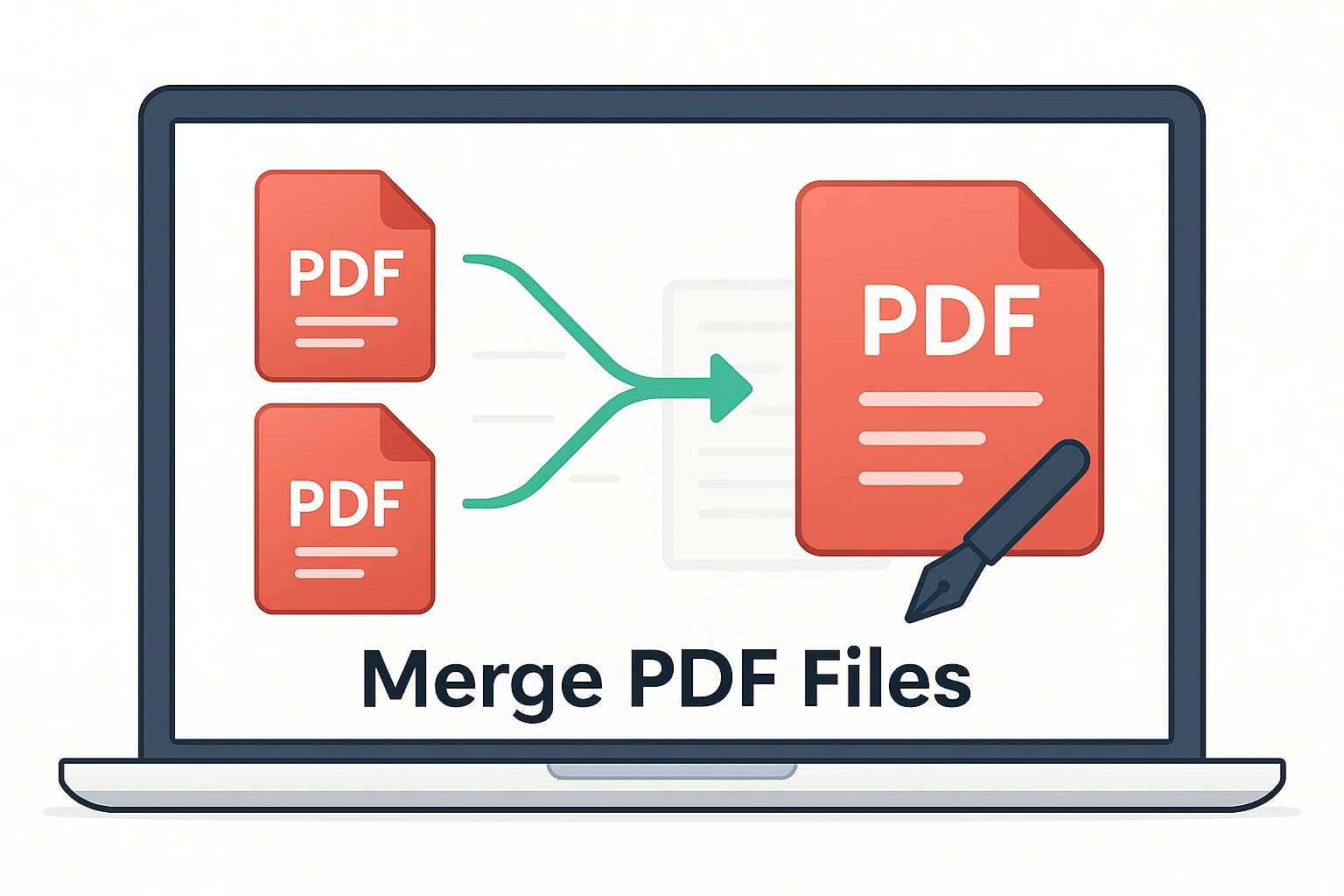
Merge PDF

Use our free Merge PDF Files tool to easily combine multiple PDF documents into a single, well-organized file. It’s simple, secure, and works directly in your browser — no software or registration required.

📑 Merge PDF

Upload multiple PDFs, preview pages (left), and merge them into one file (right).

📑 PDF previews will appear here…

📘 How to Use the Merge PDF Files Tool?

  1. Upload your PDF files – Click “Choose Files” and select multiple PDFs.
  2. Arrange order – Drag & drop files into the correct sequence.
  3. Click Merge – The tool combines all files into a single PDF.
  4. Download – Save the merged PDF to your computer or device.
  • Wrong order? – Re-upload and drag files into the right sequence before merging.
  • Extra pages? – Use the Remove Pages Tool to delete them.
  • File too large? – Compress it with the Compress PDF Tool.
  • Need only part of a file? – First use Split PDF, then merge the pieces.
  • Mismatched orientation? – Rotate specific pages with Rotate PDF.

Pro Tip: Always preview your merged file to make sure everything is in the right order before saving.

📂 CONVERT TO PDF

⚡ Easily convert files and content into PDF format. Merge, convert from Office files, images, or HTML — all fast, free, and secure.

📑

Merge PDF Files

Combine multiple PDFs into a single file instantly.

Open Tool
🌐

HTML to PDF

Save web pages or HTML code as PDF documents.

Open Tool
🎞️

PowerPoint to PDF

Convert PowerPoint slides into shareable PDF format.

Open Tool
📄

Word to PDF

Turn Word documents into PDFs while keeping formatting.

Open Tool
📊

Excel to PDF

Convert spreadsheets into easy-to-share PDF files.

Open Tool
🖼️

JPG to PDF

Turn JPG images into a single PDF file with one click.

Open Tool
🔄

Reorder Pages

Drag and drop to rearrange the order of pages easily.

Open Tool
🗑️

Delete Pages

Remove unwanted or blank pages from your PDF instantly.

Open Tool
🧾

Extract Pages

Extract specific pages into a new, smaller PDF file.

Open Tool
📋

Combine & Reorder

Merge files and arrange page sequence before saving your final PDF.

Open Tool
🗂️

Sort PDF Pages

Automatically sort PDF pages by name or number order.

Open Tool
✏️

Rename PDF Files

Batch rename or customize filenames of multiple PDF files easily.

Open Tool
📦

Organize by Folder

Group and arrange PDFs into labeled folders or categories.

Open Tool
🧠

AI Auto Organizer

Let AI automatically reorder, label, and group PDF files by topic or date.

Open Tool

Merge PDF Files – Combine Multiple PDFs into One Secure Document

Use our free Merge PDF Files tool to easily combine multiple PDF documents into a single, well-organized file. It’s simple, secure, and works directly in your browser — no software or registration required.

What Is the Merge PDF Tool?

The Merge PDF tool allows you to join two or more PDF files into one. Whether you’re merging invoices, reports, study materials, or eBooks, this tool ensures that your final document is perfectly ordered and formatted.

How to Merge PDF Files Online

  • Click on “Choose Files” and upload the PDF files you want to combine.
  • Reorder files by dragging them into the desired sequence.
  • Click “Merge PDF” to start the process.
  • Download your combined PDF instantly — no watermark, no signup.

Example Use Cases

TaskActionResult
Combine multiple chaptersUpload all chapter PDFsSingle organized eBook
Join invoices or receiptsSelect all PDF receiptsOne consolidated file for accounting
Merge reports or assignmentsReorder sections before mergingClean and professional document
Combine scanned documentsUpload and merge in one clickAll pages in sequence

Key Features

  • 📄 Merge unlimited PDF files online.
  • 🧩 Drag & drop to change file order.
  • 🔒 100% secure — all files are auto-deleted after processing.
  • 💻 Works on Windows, Mac, Android, and iPhone.
  • ⚙️ No file size limits or watermarks.

Why Use an Online PDF Merger?

  • ✅ Combine multiple PDFs into one easy-to-share document.
  • ✅ Maintain file quality and page order.
  • ✅ Save storage space by keeping one version of a document.
  • ✅ Perfect for office, school, and business use.

Tips for Best Results

  • Reorder your files before merging for a clean layout.
  • Use descriptive file names for easy identification.
  • For large PDFs, compress them first to speed up processing.

Frequently Asked Questions (FAQ)

1. Is my data safe when I merge PDFs online?
Yes — all files are processed securely using encryption and deleted automatically after download.

2. Can I merge password-protected PDFs?
You can merge them after entering the correct password in the upload process.

3. Can I rearrange pages before merging?
Yes, you can drag and drop to reorder files before merging.

4. Does it work on mobile devices?
Yes! The tool is fully responsive and works perfectly on all devices and browsers.

5. Will my merged PDF have watermarks?
No — your merged file is completely watermark-free.

Final Thoughts

The Merge PDF Files tool simplifies document management by letting you combine multiple files into one organized PDF. It’s fast, private, and 100% free — perfect for personal, business, or academic use.

Useful Links:
Organize PDF Tool | Split PDF Tool | PDF to Word Converter | PDF to Excel Converter | WHO – Digital Data Privacy Info

Merge PDF Files – Combine Multiple PDFs into One Secure Document

Use our free Merge PDF Files tool to easily combine multiple PDF documents into a single, well-organized file. It’s simple, secure, and works directly in your browser — no software or registration required.

What Is the Merge PDF Tool?

The Merge PDF tool allows you to join two or more PDF files into one. Whether you’re merging invoices, reports, study materials, or eBooks, this tool ensures that your final document is perfectly ordered and formatted.

How to Merge PDF Files Online

  • Click on “Choose Files” and upload the PDF files you want to combine.
  • Reorder files by dragging them into the desired sequence.
  • Click “Merge PDF” to start the process.
  • Download your combined PDF instantly — no watermark, no signup.

Example Use Cases

TaskActionResult
Combine multiple chaptersUpload all chapter PDFsSingle organized eBook
Join invoices or receiptsSelect all PDF receiptsOne consolidated file for accounting
Merge reports or assignmentsReorder sections before mergingClean and professional document
Combine scanned documentsUpload and merge in one clickAll pages in sequence

Key Features

  • 📄 Merge unlimited PDF files online.
  • 🧩 Drag & drop to change file order.
  • 🔒 100% secure — all files are auto-deleted after processing.
  • 💻 Works on Windows, Mac, Android, and iPhone.
  • ⚙️ No file size limits or watermarks.

Why Use an Online PDF Merger?

  • ✅ Combine multiple PDFs into one easy-to-share document.
  • ✅ Maintain file quality and page order.
  • ✅ Save storage space by keeping one version of a document.
  • ✅ Perfect for office, school, and business use.

Tips for Best Results

  • Reorder your files before merging for a clean layout.
  • Use descriptive file names for easy identification.
  • For large PDFs, compress them first to speed up processing.

Frequently Asked Questions (FAQ)

1. Is my data safe when I merge PDFs online?
Yes — all files are processed securely using encryption and deleted automatically after download.

2. Can I merge password-protected PDFs?
You can merge them after entering the correct password in the upload process.

3. Can I rearrange pages before merging?
Yes, you can drag and drop to reorder files before merging.

4. Does it work on mobile devices?
Yes! The tool is fully responsive and works perfectly on all devices and browsers.

5. Will my merged PDF have watermarks?
No — your merged file is completely watermark-free.

Final Thoughts

The Merge PDF Files tool simplifies document management by letting you combine multiple files into one organized PDF. It’s fast, private, and 100% free — perfect for personal, business, or academic use.

Useful Links:
Organize PDF Tool | Split PDF Tool | PDF to Word Converter | PDF to Excel Converter | WHO – Digital Data Privacy Info

Share Your Experience & Rate This Tool!
Your Rating: (How would you rate this tool?)
⭐ 0.0 / 5 (0 reviews yet)
Write a short, catchy title for your review!
Describe your experience with this tool
Your response is anonymous unless you provide a name.

Sharing Is Caring:

Leave a Comment
