💎 GPA Planner Pro
Unlimited semesters, Save/Load, Export to PDF/CSV, and advanced GPA planning.
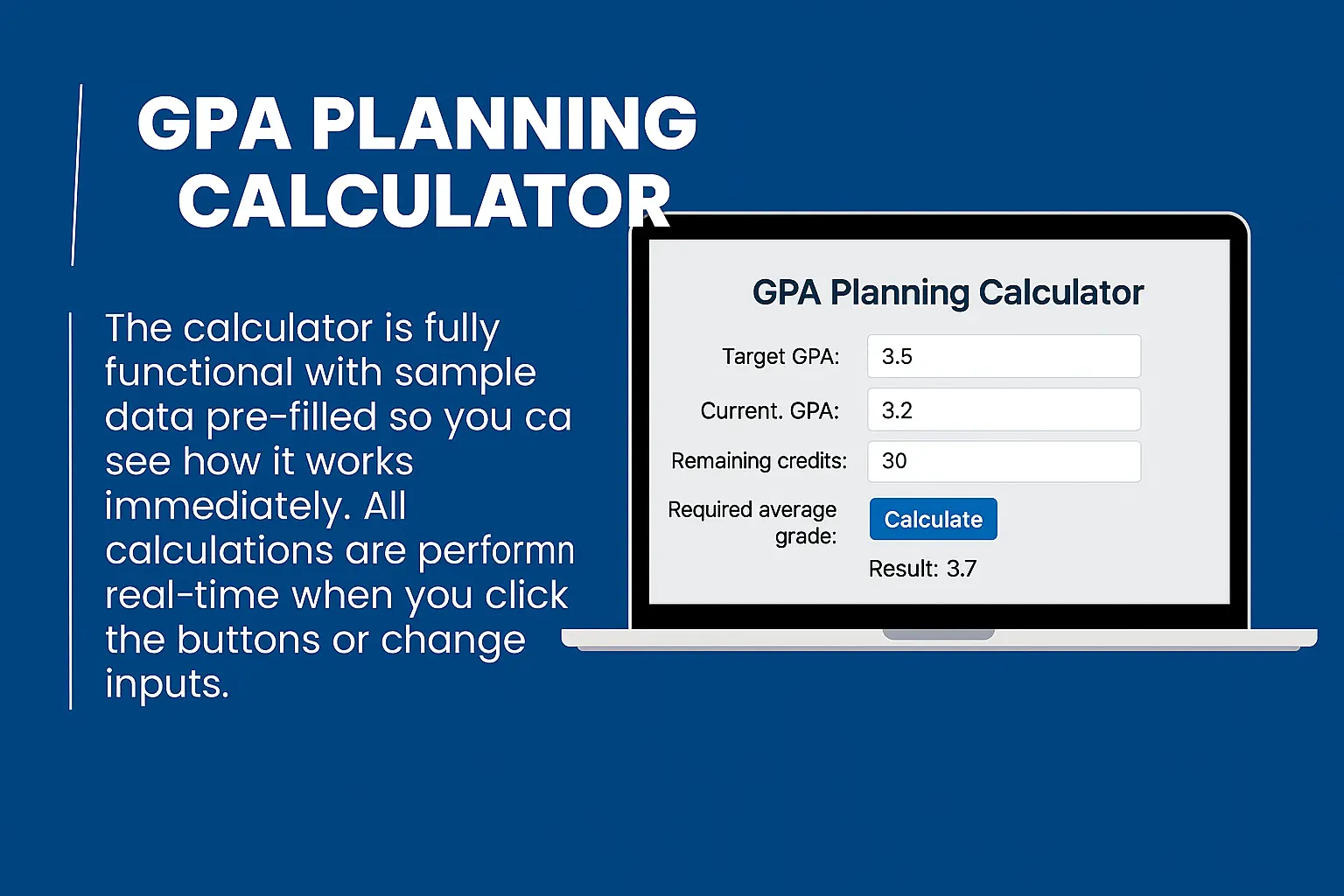
🎯 Target GPA Planner
📗 How to Use GPA Planner (Free & Pro)
- Start Adding Semesters: Click the “+ Add Semester” button to begin.
- Add Courses: Enter course name, credits, and grade for each subject.
- View GPA: Your Semester GPA and Cumulative GPA update instantly.
- Target GPA Planner: Enter your target GPA and future credits to plan how to reach it.
📊 You’ll also see a GPA chart to visualize your progress over time.
- Save & Load: Save your GPA plan anytime and reopen it later.
- Export PDF/CSV: Download your GPA data as a report or spreadsheet.
- Unlimited Semesters: Add as many semesters as you like.
- Advanced Analytics: Get more insights and charts in the Pro version.
💎 Available in GPA Planner Pro.
- If GPA isn’t updating, ensure all credits and grades are filled correctly.
- Decimal values (like 3.7) are allowed for grades.
- Use Chrome or Edge for best performance.
- For Pro users, ensure your browser allows local storage for the Save feature.
Need help? Contact us anytime at Support.
✨ We’re working on:
- Multi-user cloud sync (save GPA plans online).
- Advanced GPA forecasting & AI advisor.
- Mobile app version for Android & iOS.
Stay tuned — and check MasterWebTool for updates!
🧠 OTHER SMART TOOLS
Explore powerful online tools that simplify your daily tasks. From image editing to creative content generation — all tools are fast, free, and browser-based.
GPA Planner Pro – Smart GPA Tracker, Goal Setter & Semester Planner
GPA Planner Pro is an advanced online tool designed for students who want to track, plan, and improve their GPA across semesters. It combines a GPA calculator, semester goal planner, and grade projection system — all in one smart interface.
What Is GPA Planner Pro?
GPA Planner Pro helps students calculate their current GPA, plan future grades, and visualize academic goals. Whether you’re trying to reach a 4.0 GPA or maintain a scholarship requirement, this planner gives you actionable insights to stay on track.
How to Use GPA Planner Pro
- Enter your current GPA and total completed credits.
- Add new courses for the upcoming semester with estimated grades.
- Click “Plan GPA” to see your projected semester and cumulative GPA.
- Adjust grades or credits to see how they impact your final GPA.
GPA Planning Formula
Formula:
Cumulative GPA = (Previous Total Points + Current Semester Points) ÷ (Previous Credits + Current Credits)
Where:
- Total Points = Grade Points × Credit Hours
- Credits = Total course credits attempted
Example GPA Planning
| Course | Grade (Expected) | Credits | Grade Points | Total Points |
|---|---|---|---|---|
| Mathematics II | A | 4 | 4.0 | 16.0 |
| Physics Lab | B+ | 2 | 3.3 | 6.6 |
| Computer Science | A− | 3 | 3.7 | 11.1 |
| English Writing | B | 3 | 3.0 | 9.0 |
| Semester GPA | 3.54 | |||
Projected Cumulative GPA: If your previous GPA was 3.40 across 30 credits, your new GPA will rise to 3.45 after adding this semester.
Key Features of GPA Planner Pro
- 🎓 GPA Tracking: See your current and cumulative GPA instantly.
- 📈 Goal Planning: Set GPA goals and track progress each semester.
- 🧮 Weighted GPA Mode: Account for Honors or AP classes.
- 📚 Semester Analysis: View GPA trends and subject performance.
- 💾 Save & Export: Download GPA reports as CSV or PDF (optional feature).
Why Use GPA Planner Pro?
- ✅ Plan your GPA growth strategically.
- ✅ Understand the impact of every grade before results come out.
- ✅ Keep scholarship eligibility or academic targets on track.
- ✅ Perfect for college, university, or high school students.
Difference Between GPA Calculator and GPA Planner Pro
- GPA Calculator: Calculates your current GPA based on existing grades.
- GPA Planner Pro: Projects and plans future GPA based on target grades and upcoming courses.
Frequently Asked Questions (FAQ)
1. Can I project my GPA for future semesters?
Yes! GPA Planner Pro allows you to simulate future results and see how new grades affect your total GPA.
2. Does it support weighted GPA?
Absolutely. You can toggle between weighted (5.0 scale) and unweighted (4.0 scale) GPA systems.
3. Can I save my GPA plans?
Yes — in advanced versions, you can download or export GPA projections for tracking.
4. Is GPA Planner Pro free?
Yes, it’s 100% free to use online. Some advanced export and save features may be premium.
5. How accurate are the results?
It uses official GPA calculation methods followed by schools and universities globally.
Final Thoughts
GPA Planner Pro is more than a calculator — it’s a smart academic planning tool that empowers students to take control of their success. With easy tracking, accurate projections, and clear goals, it helps you reach your dream GPA step by step.
Useful Links:
GPA Calculator |
Grade Calculator |
Percentage Calculators |
Scientific Calculator |
WHO – Education & Learning Info