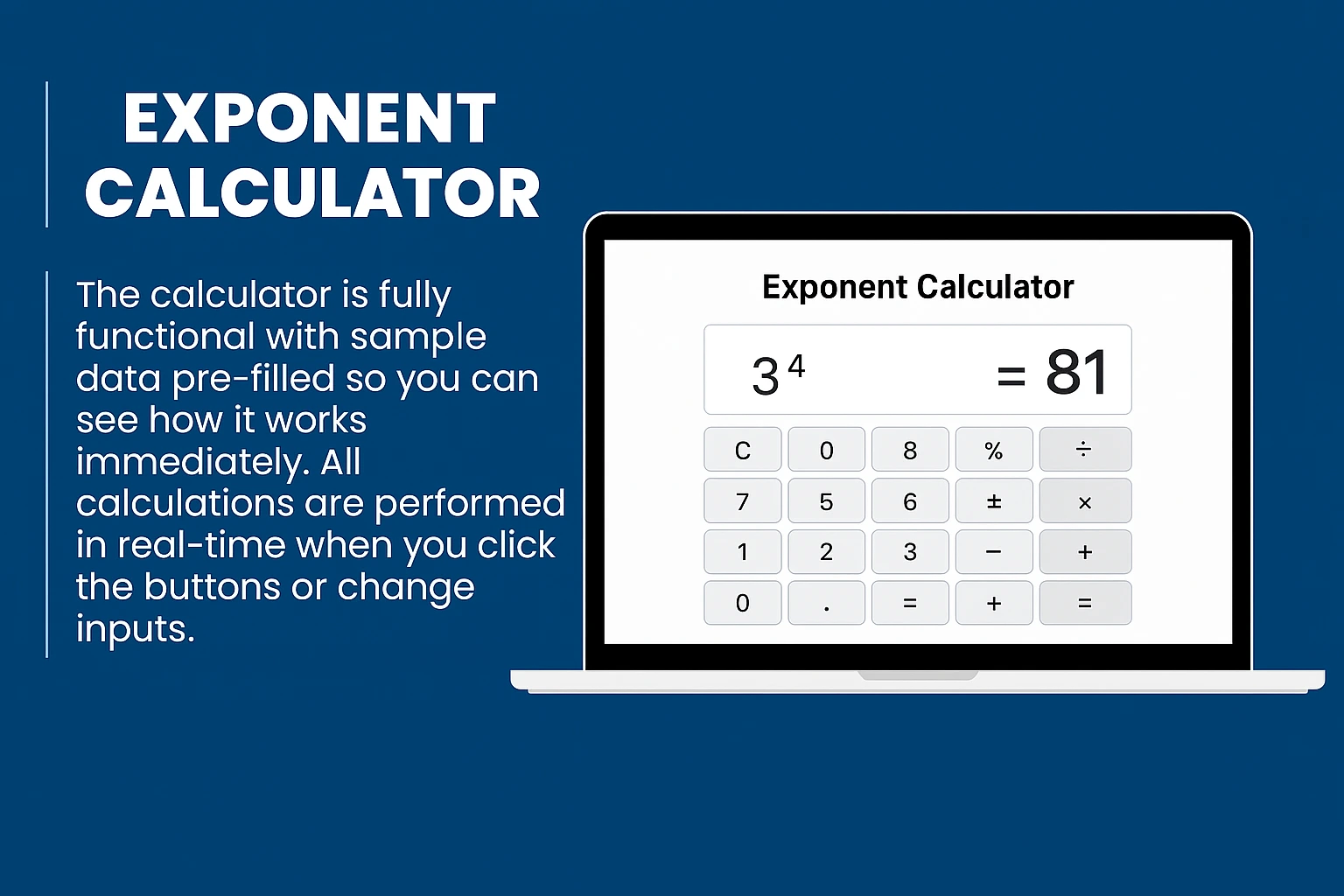
The Exponent Calculator lets you quickly compute any number raised to a power. Simply enter a base and an exponent, then click Calculate. It supports negative exponents, decimal numbers, and large results.
⚡ Exponent Calculator
Master your math with fast and accurate power calculations.
💻 How to Use the Binary Calculator
Your essential guide to binary arithmetic and logic.
The Binary Calculator enables you to perform precise arithmetic operations using the language of computers — 0s and 1s.
Whether you need to add, subtract, multiply, or divide binary numbers, or convert them into decimal, octal, or hexadecimal formats, this tool delivers instant results. It is an indispensable resource for students, programmers, and engineers working with digital systems.
- Input Data: Enter two binary numbers into the fields (ensure only 0s and 1s are used).
- Choose Operation: Select the desired function: Add (+), Subtract (−), Multiply (×), or Divide (÷).
- Calculate: Click the calculate button to instantly view the result in binary.
- Convert (Optional): Use the conversion tools to see the result in Decimal, Octal, or Hexadecimal.
- Reset: Clear all fields to begin a new operation.
- Addition (+): Calculates the binary sum (e.g., 101 + 11 = 1000).
- Subtraction (−): Finds the binary difference (e.g., 1101 − 11 = 1010).
- Multiplication (×): Multiplies binary values (e.g., 101 × 10 = 1010).
- Division (÷): Divides binary numbers and provides the remainder (e.g., 1010 ÷ 10 = 101).
- Conversions: Seamlessly switch between Binary, Decimal, Octal, and Hexadecimal systems.
💡 Perfect for mastering digital logic, Boolean algebra, and computer architecture.
- Export Data: Save your calculation history as text or CSV files.
- Step-by-Step View: visualize the binary addition and subtraction process in detail.
- Logic Gate Sim: Experiment with AND, OR, and XOR logic gates.
- Advanced Conversions: Support for base systems ranging from 2 to 36.
💎 Upgrade to Binary Calculator Pro.
