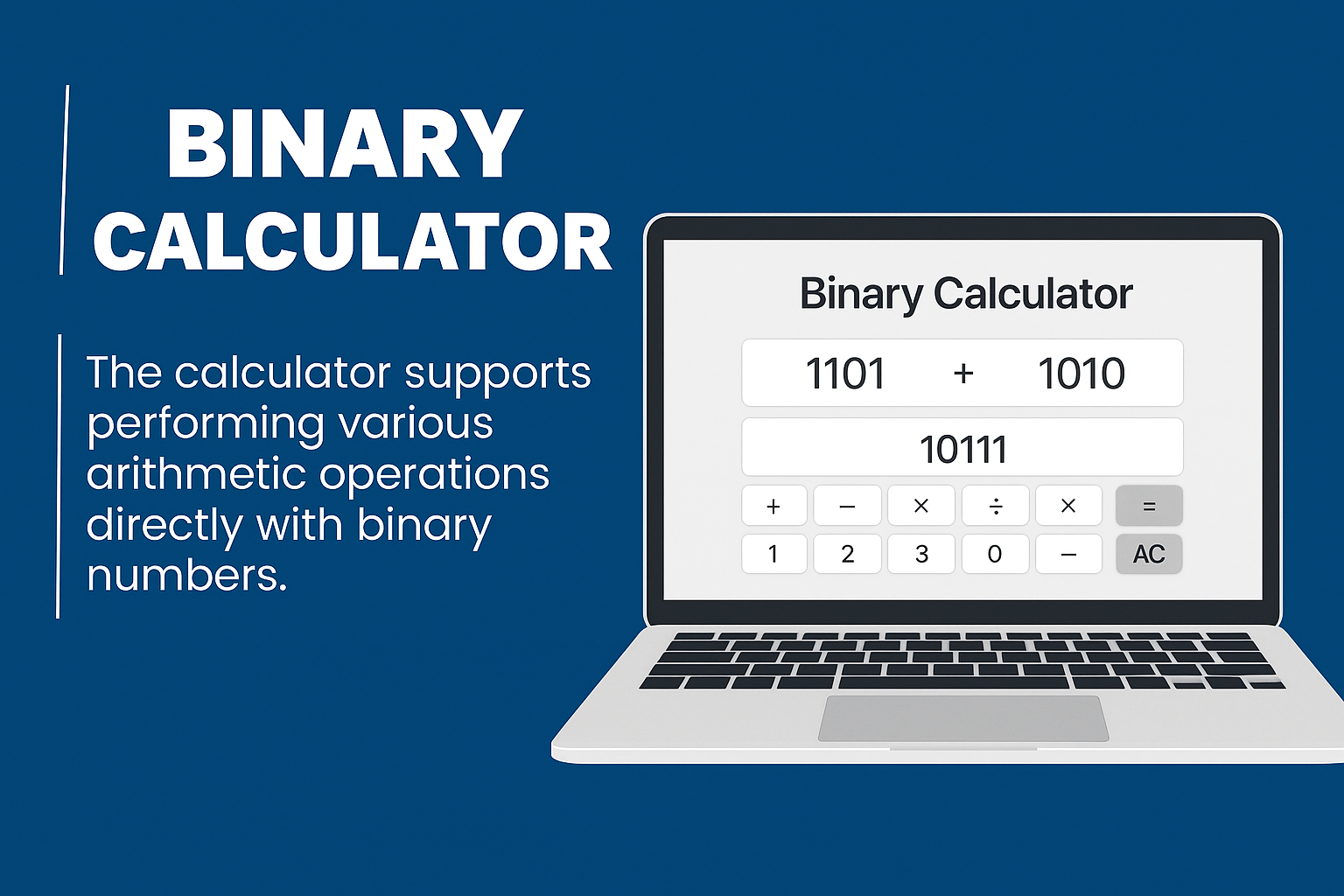
Use our free Binary Calculator to convert binary numbers to decimal, octal, or hexadecimal formats — and back. Simple, accurate, and instant converter tool.
🔢 Binary Calculator
Binary Calculator + Binary ↔ Decimal Converter (All-in-One)
Binary Calculator
Convert Binary to Decimal
Convert Decimal to Binary
✔ Only 0 and 1 are allowed in binary input ✔ 100% browser-based, no data uploaded
🔢 How to Use the Binary Calculator
The Binary Calculator helps you perform calculations using binary numbers (0 and 1). You can add, subtract, multiply, and divide binary values, and also convert between Binary and Decimal instantly.
This tool is useful for students, programmers, and anyone learning computer fundamentals or digital electronics.
- Enter the first binary number (example: 1010).
- Enter the second binary number (example: 110).
- Select an operation: Add, Subtract, Multiply, or Divide.
- Click the Calculate button.
- The result will be displayed instantly in binary format.
💡 Example: 1010 + 110 = 10000
- Enter a valid binary number (only 0 and 1).
- Click Convert to Decimal.
- The decimal value will appear instantly.
💡 Example: 1011 (Binary) = 11 (Decimal)
- Enter a decimal number (example: 25).
- Click Convert to Binary.
- The binary result will be shown instantly.
💡 Example: 10 (Decimal) = 1010 (Binary)
- Binary input must contain only 0 and 1.
- Decimal input must be a valid number.
- Division by zero is not allowed.
- Negative results may appear in subtraction.
✅ Best for students, coding beginners, and computer science learners.
🧮 MATH & SCIENCE CALCULATORS
Solve complex equations, analyze data, and explore science with our free collection of Math and Science Calculators. Designed for students, teachers, and professionals — fast, accurate, and 100% browser-based.
Simple Calculator
Perform basic arithmetic operations — addition, subtraction, multiplication, and division.
Open ToolPercentage Calculator
Quickly calculate percent increase, decrease, ratios, and comparisons.
Open ToolExponent Calculator
Find powers, roots, and exponential values instantly for math or science problems.
Open ToolStandard Deviation Calculator
Measure data spread and variability in statistics or experiments.
Open ToolPercent Error Calculator
Calculate experimental accuracy by comparing measured vs theoretical values.
Open ToolScientific Calculator
Perform advanced mathematical, trigonometric, and logarithmic calculations.
Open ToolEquation Solver
Solve linear, algebraic, or quadratic equations step-by-step with accuracy.
Open ToolPhysics Formula Calculator
Calculate speed, acceleration, energy, and other physical quantities easily.
Open ToolKinetic Energy Calculator
Find kinetic energy, mass, or velocity for motion-based calculations.
Open ToolGravitational Force Calculator
Compute gravitational force between two bodies using Newton’s Law.
Open ToolUnit Converter
Convert between metric and imperial units — length, weight, and temperature.
Open ToolRandom Number Generator
Generate random numbers for math experiments, statistics, or probability.
Open ToolBinary Calculator – Convert & Calculate Binary Numbers Online
Use our free Binary Calculator to perform binary addition, subtraction, multiplication, and division instantly. This tool also allows you to convert values between Binary, Decimal, Octal, and Hexadecimal formats — all online and free.
What Is the Binary Number System?
The binary number system is a base-2 system that uses only two digits: 0 and 1. Every digital device, computer processor, and electronic system works internally using binary values.
Example: 10112 = 1×2³ + 0×2² + 1×2¹ + 1×2⁰ = 1110
How the Binary Calculator Works
- Enter one or two binary numbers using only 0s and 1s.
- Select an operation: Add, Subtract, Multiply, or Divide.
- Click Calculate to get the binary result instantly.
- Optional: Convert numbers between binary, decimal, octal, and hexadecimal.
Binary Arithmetic Rules
| Operation | Rule | Example |
|---|---|---|
| Addition | 1 + 1 = 10 (carry 1) | 101 + 11 = 1000 |
| Subtraction | Borrow when subtracting 1 from 0 | 1010 − 11 = 111 |
| Multiplication | 1 × 1 = 1, otherwise 0 | 101 × 11 = 1111 |
| Division | Same logic as decimal division | 1001 ÷ 11 = 11 |
Binary Conversion Examples
| Decimal | Binary | Octal | Hexadecimal |
|---|---|---|---|
| 1 | 1 | 1 | 1 |
| 2 | 10 | 2 | 2 |
| 5 | 101 | 5 | 5 |
| 10 | 1010 | 12 | A |
| 15 | 1111 | 17 | F |
Why Use This Binary Calculator?
- Instant binary calculations with high accuracy
- Easy conversion between number systems
- Perfect for students and programming learners
- Helpful for digital electronics and networking basics
Real-World Uses of Binary Numbers
- Programming: Bitwise operations and low-level logic
- Networking: IP addressing and subnet calculations
- Electronics: Logic gates and digital circuits
- Data Encoding: ASCII and machine-level data
Frequently Asked Questions (FAQ)
Can I convert binary to decimal?
Yes, this calculator converts binary to decimal, octal, and hexadecimal instantly.
What is 1011 in decimal?
1011₂ = 11₁₀
Does this tool support hexadecimal?
Yes, it supports full conversion between binary, decimal, octal, and hexadecimal.
Who should use a Binary Calculator?
Students, programmers, engineers, and anyone learning computer fundamentals.
Final Thoughts
The Binary Calculator makes binary arithmetic and number-system conversion simple and accessible. Whether you’re studying computer science or working with digital systems, this tool helps you calculate and understand binary numbers with ease.
Related Tools:
Scientific Calculator |
Percentage Calculator |
Exponent Calculator